Welcome to SCMBOS Export Management System
This knowledge base provides a complete walkthrough of every feature and submenu in the Export Management System. Each section explains its purpose, standard workflows, operational examples, required validations, permissions, and system integration notes. Use the left menu to navigate — the content is designed for export coordinators, documentation teams, operations staff, supervisors, and system administrators.
Scheduler — Ocean Schedule
The Ocean Schedule module manages all vessel schedules used for export operations. It displays ETD, ETA, voyage numbers, terminal cut-off times, and receiving windows. This ensures export cargo is planned against accurate vessel timelines.
Key Process Items
- View Vessel Schedule — ETD, ETA, voyage details.
- Update Cut-off Times — documentation, loading, yard-in deadlines.
- Assign Vessel to Export Jobs — integrates with Set Vessel.
- Monitor Delays — changes in ETD/ETA updated in real-time.

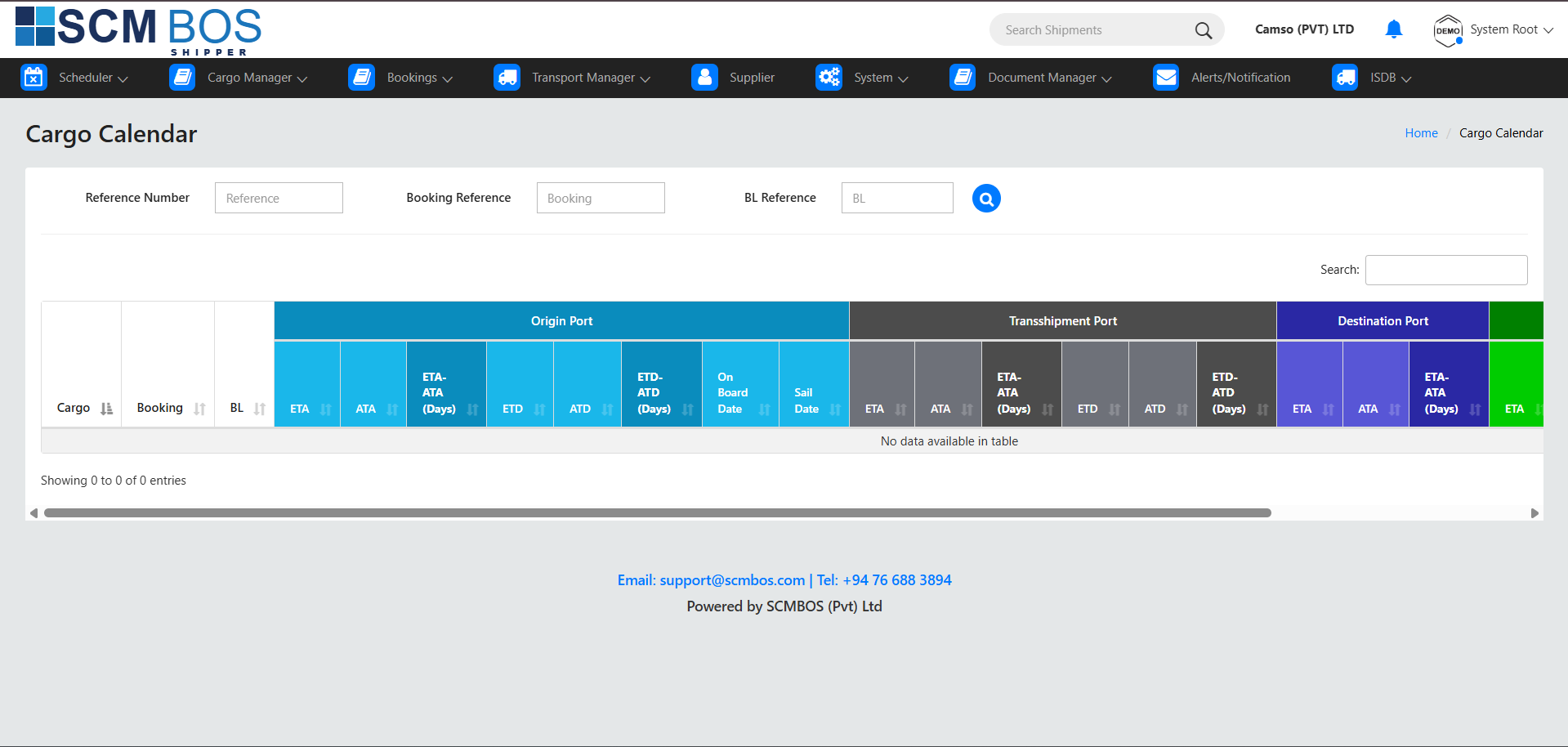
Scheduler — Cargo Calendar
Cargo Calendar provides a monthly visualization of all export events. It helps supervisors and planners track loading days, stuffing schedules, vessel cut-offs, and export milestones in a calendar format.
Key Process Items
- Monthly Cargo Overview — visualize all export tasks.
- Click-to-Inspect — select any date to view task details.
- Export Planning — ensures no overlaps in resources.
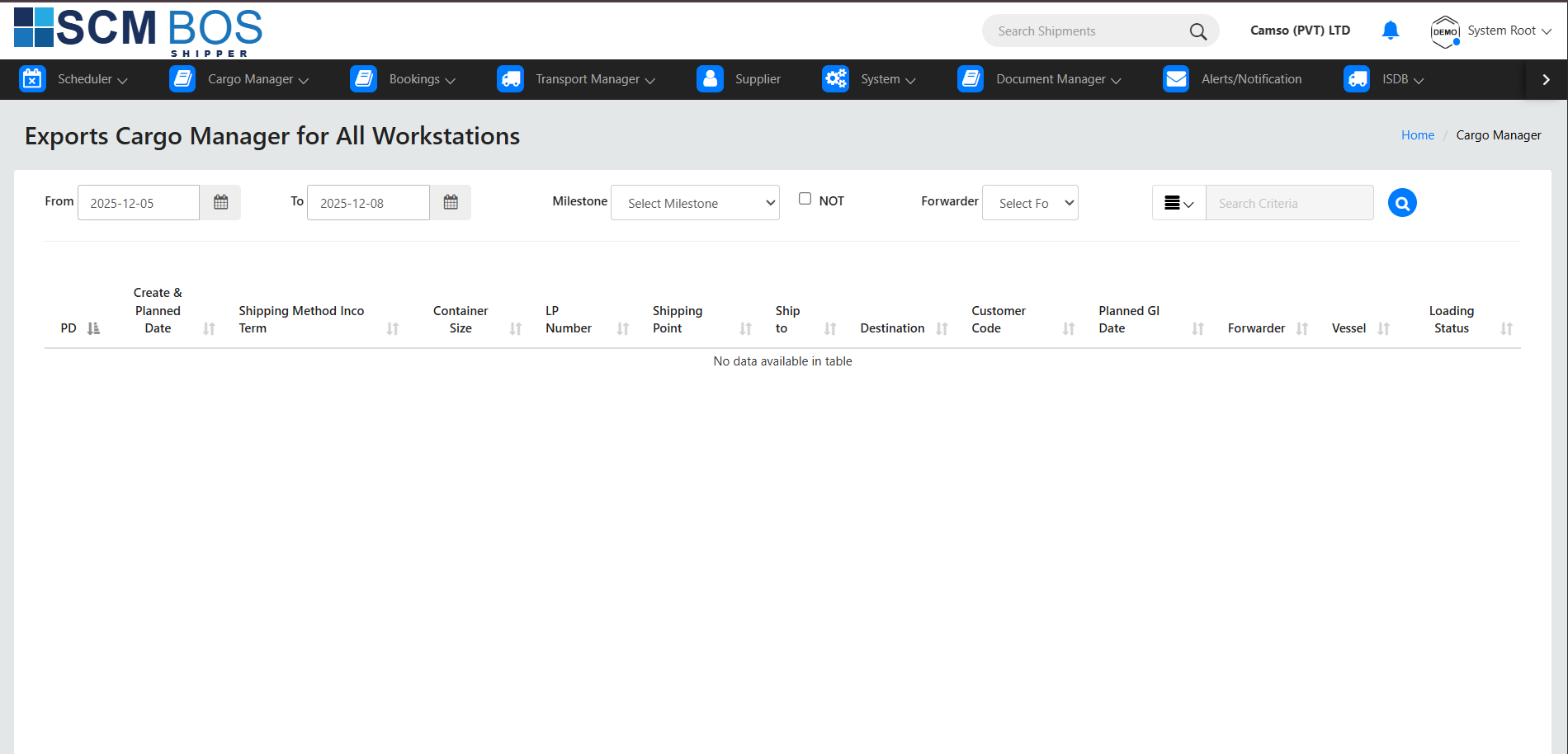
Cargo Manager — Exports
The Exports module manages all export cargo movements from stuffing to vessel loading. It is the core operational screen used by export teams to update container statuses, verify bookings, and generate export documentation.
Key Process Items
- Search Export Jobs by booking, BL, customer, or vessel.
- Update Status — Stuffed → Yarded → Loaded → Sailed.
- Document Generation — export checklist, TDR, load reports.
- Compliance Checks — shipping line and customs validations.
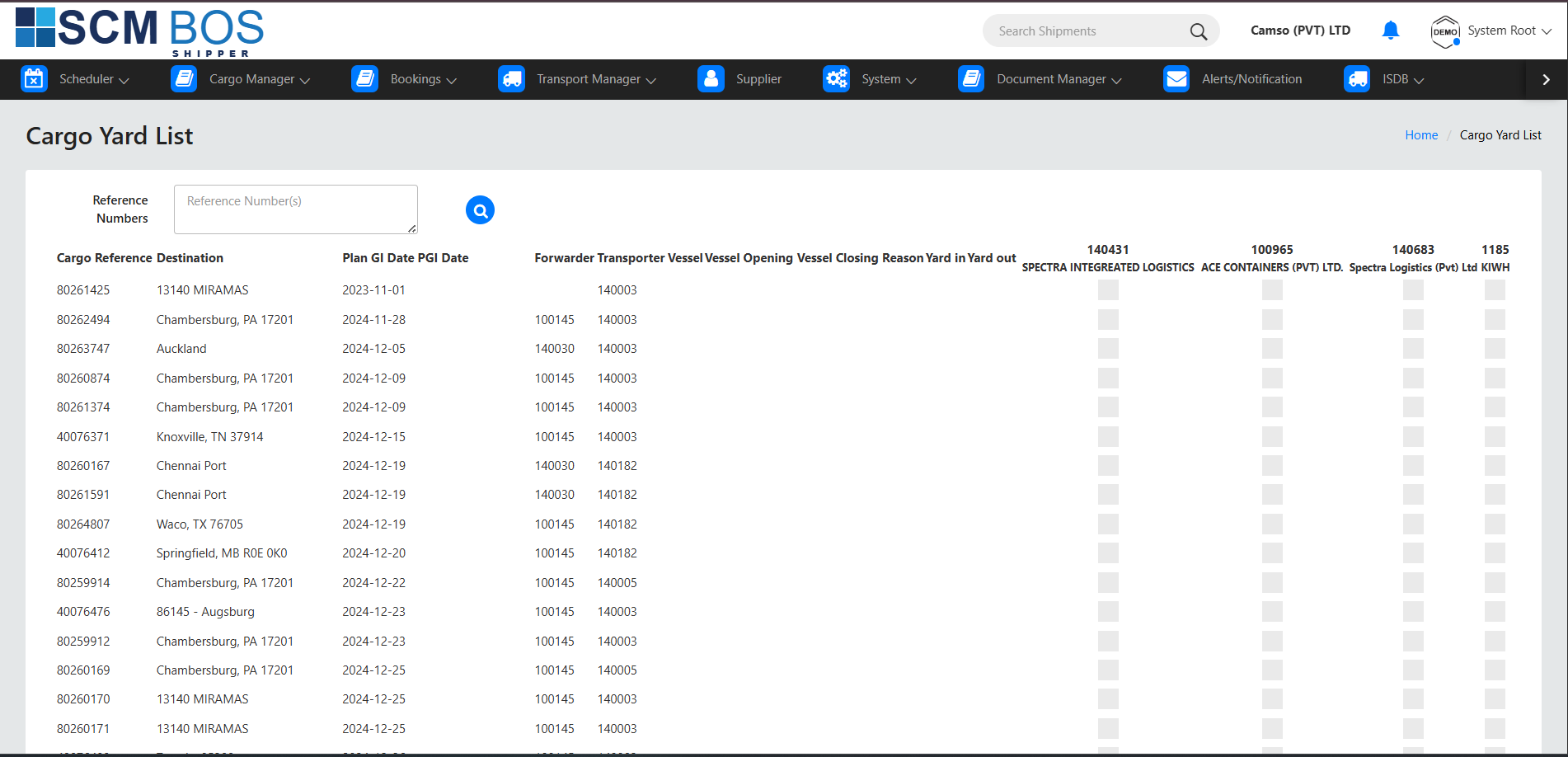
Cargo Manager — Yard List
Yard List shows all export containers currently inside the warehouse or yard. It is used to verify container positions, move containers for loading, and track physical movement within the yard.
Key Process Items
- View Yard Locations — row, block, bay.
- Rehandle / Move — shift containers for loading operations.
- Assign to Vessel — prepare containers for vessel load list.
Cargo Manager — Imports
The Imports module supports transshipment imports and re-export cargo. These containers arrive as inbound shipments but leave as part of an export cycle.
Key Process Items
- Identify Transshipment Cargo coming from inbound.
- Clearance Validation before exporting.
- Move to Yard or Stuffing based on operational need.
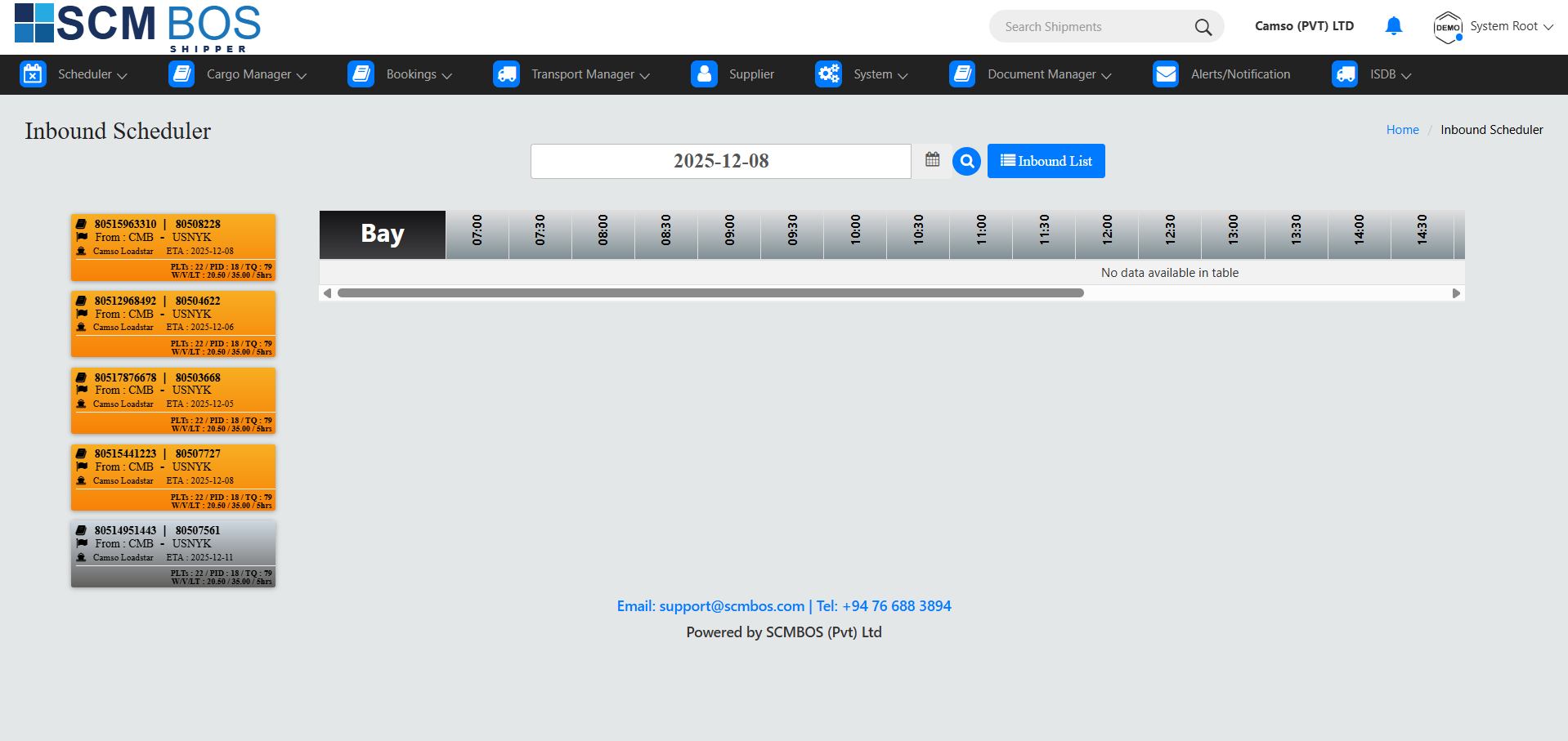
Cargo Manager — Set Vessel
Set Vessel is used to assign containers to a specific vessel and voyage. This ensures all export cargo is aligned with the correct sailing schedule.
Key Process Items
- Select Vessel & Voyage from schedule.
- Assign Containers manually or in batches.
- Update Readiness Status for loading.
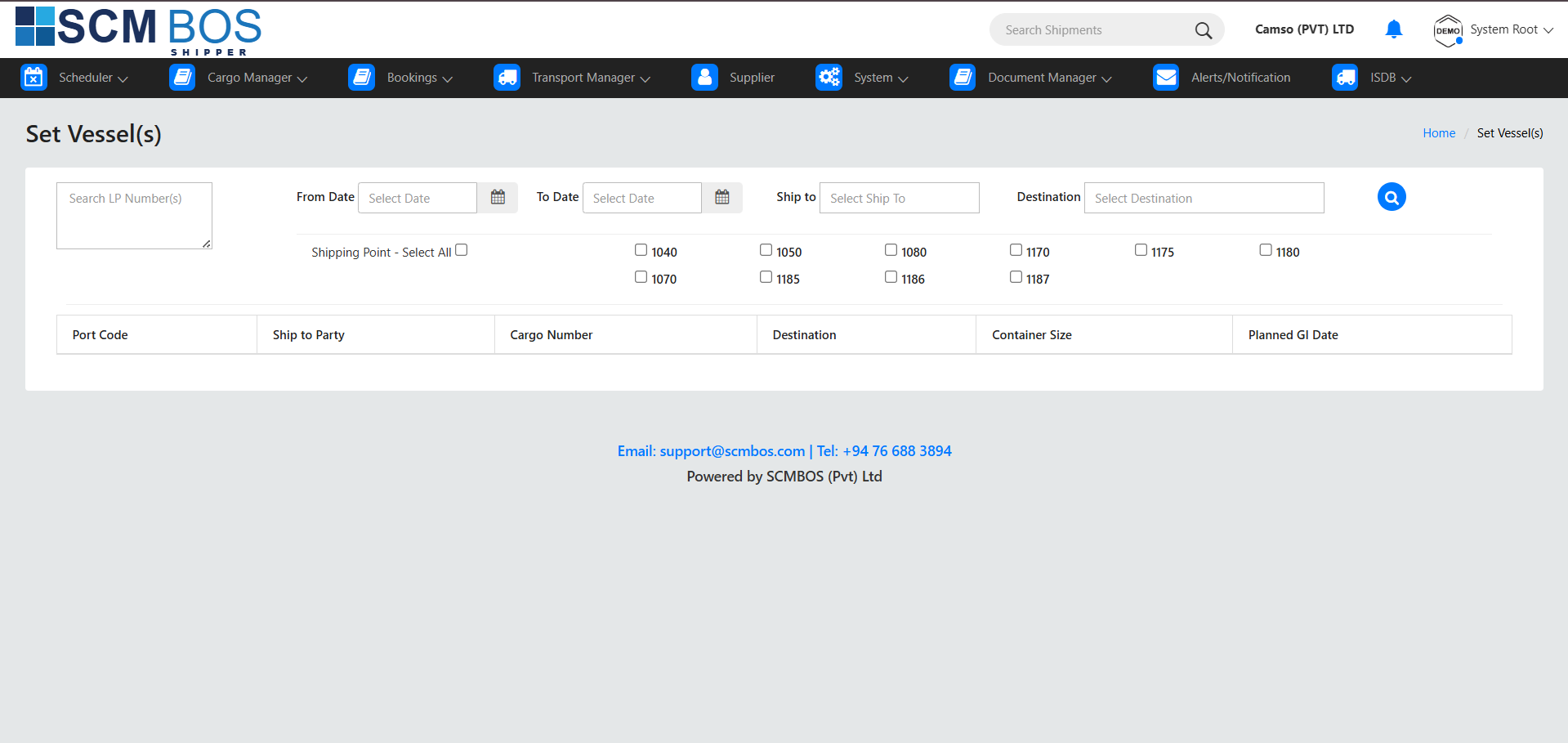
Cargo Manager — Loading Scheduler
The Loading Scheduler manages the loading plan for each vessel. Operators assign containers to bays and finalize the load sequence.
Key Process Items
- Bay Planning — slot, tier, row assignment.
- Container Sequencing — loading order.
- Approval — finalize load plan for port use.
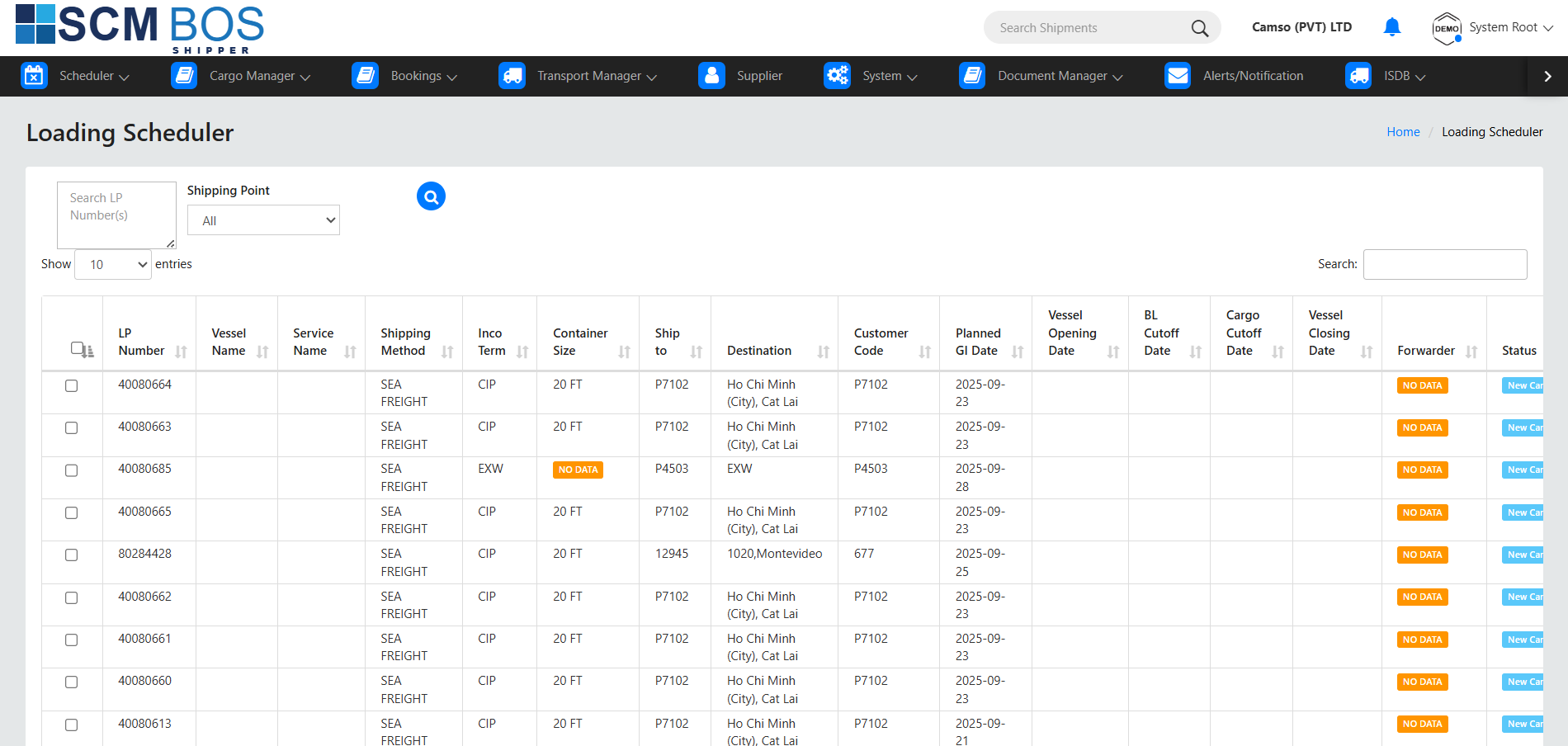
Cargo Manager — AF Scheduler
AF Scheduler manages Additional Freight (AF) requirements such as ad-hoc export jobs or unexpected freight allocation requests.
Key Process Items
- Register AF Requirements from customers.
- Assign Containers to the AF schedule.
- Update Charges and approve allocation.
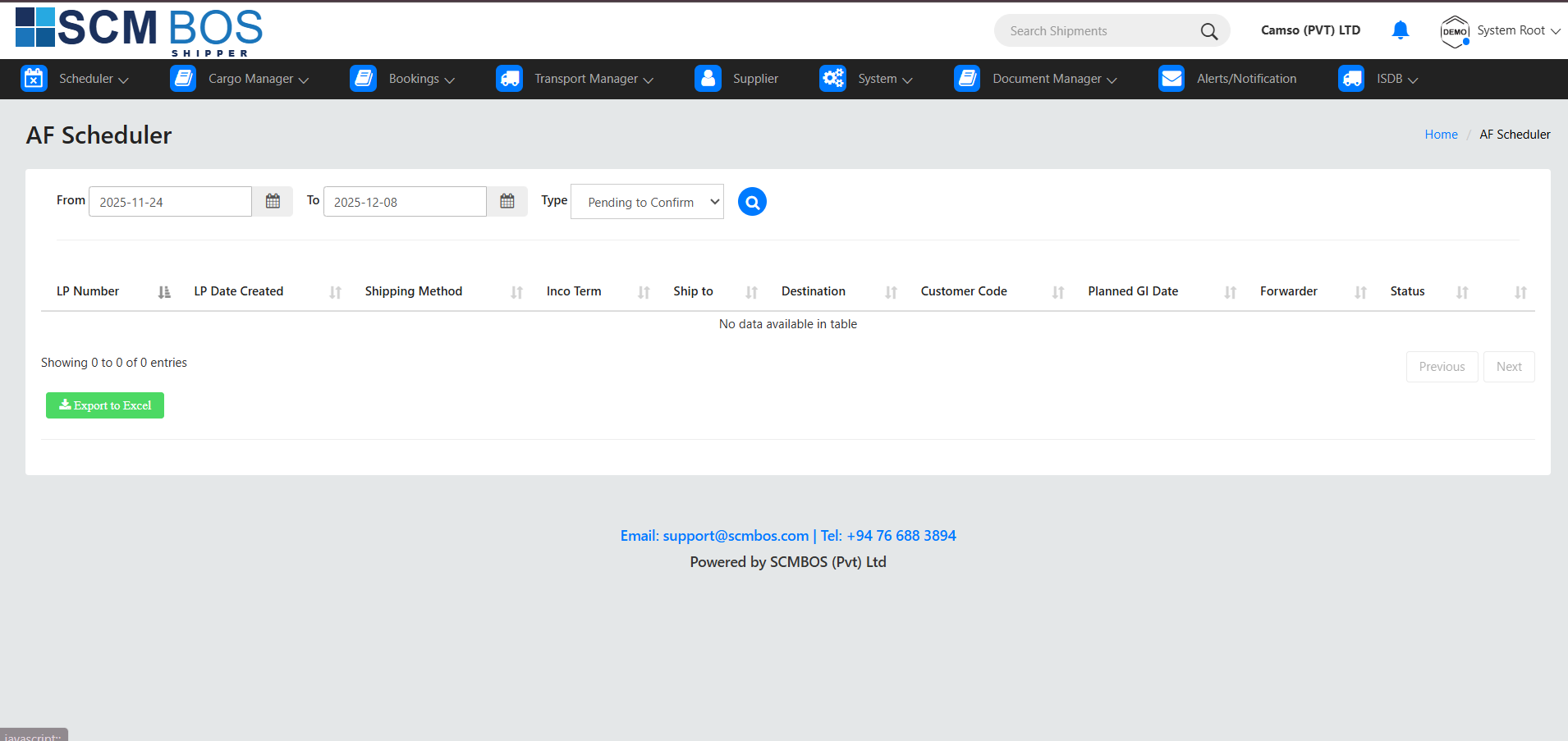
Cargo Manager — RFQ-AF
RFQ-AF processes customer requests for additional freight quotations. Operators calculate cost and prepare approval for management.
Key Process Items
- Receive RFQ from customer.
- Prepare Freight Estimate based on vessel capacity.
- Send for Approval and confirm allocation.

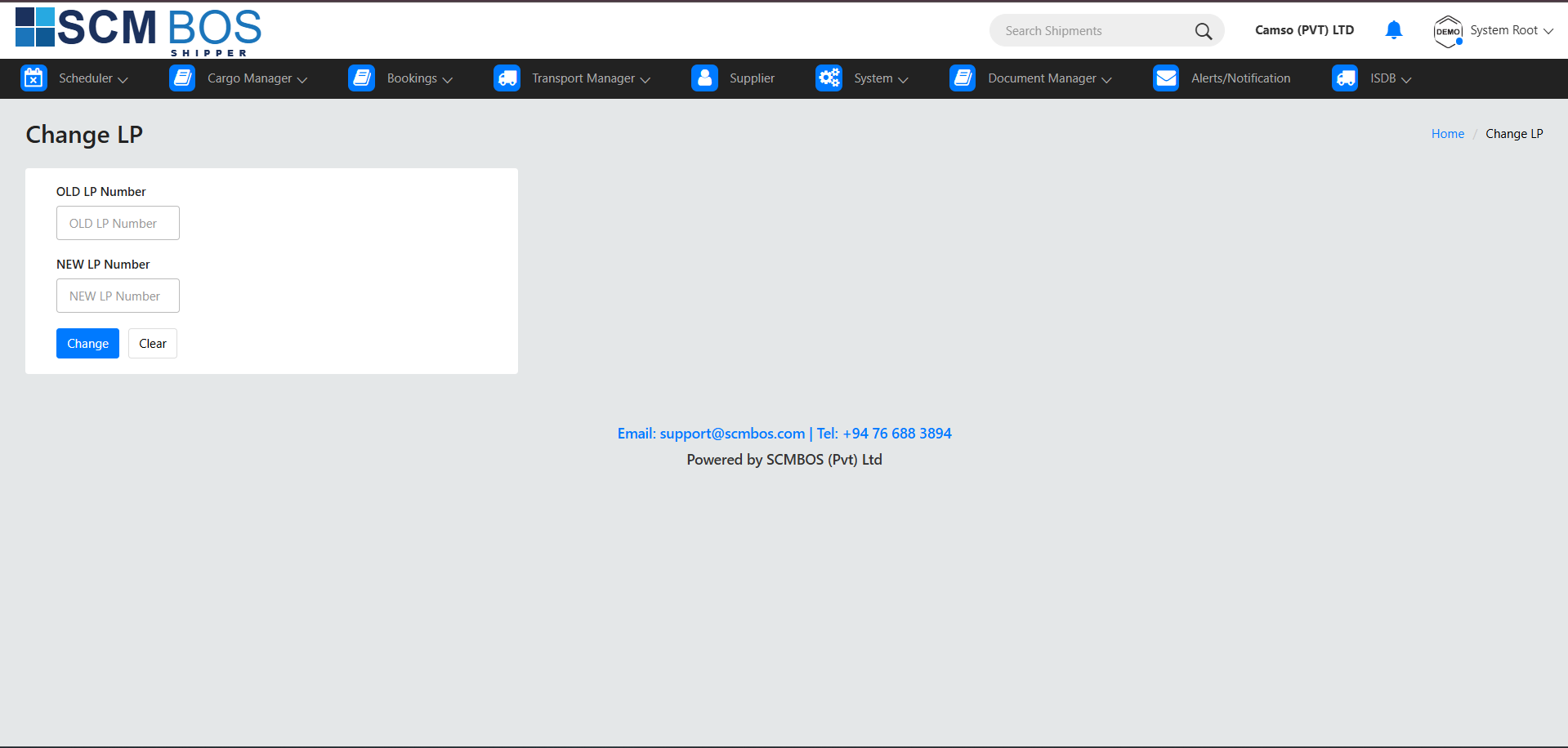
Cargo Manager — Change LP
Change LP allows supervisors to modify an existing loading plan due to last-minute operational adjustments or port instruction changes.
Key Process Items
- Load Existing LP for the selected vessel.
- Update Bay/Slot Assignments as required.
- Publish Updated Plan for port execution.
Cargo Manager — Pending Tracking
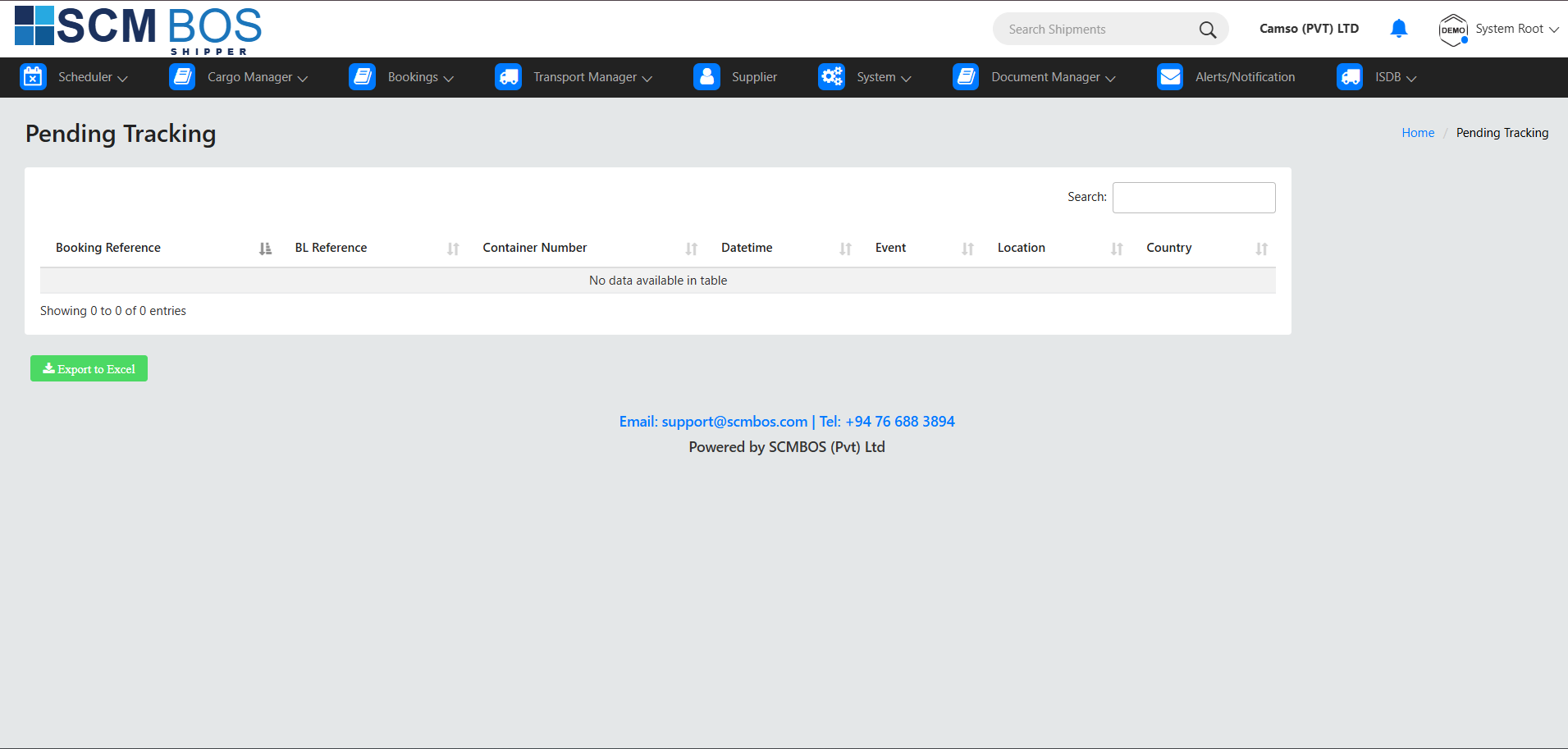
Pending Tracking lists all export-related tasks or containers awaiting action. It is a monitoring tool for supervisors to clear delays and bottlenecks.
Key Process Items
- Pending Stuffing — containers that need loading into CFS.
- Pending Yard Entry — cargo not yet arrived.
- Pending Vessel Assignment — containers without voyage set.
- Pending Loading — ready but not loaded on vessel.
Bookings — Pending to Request
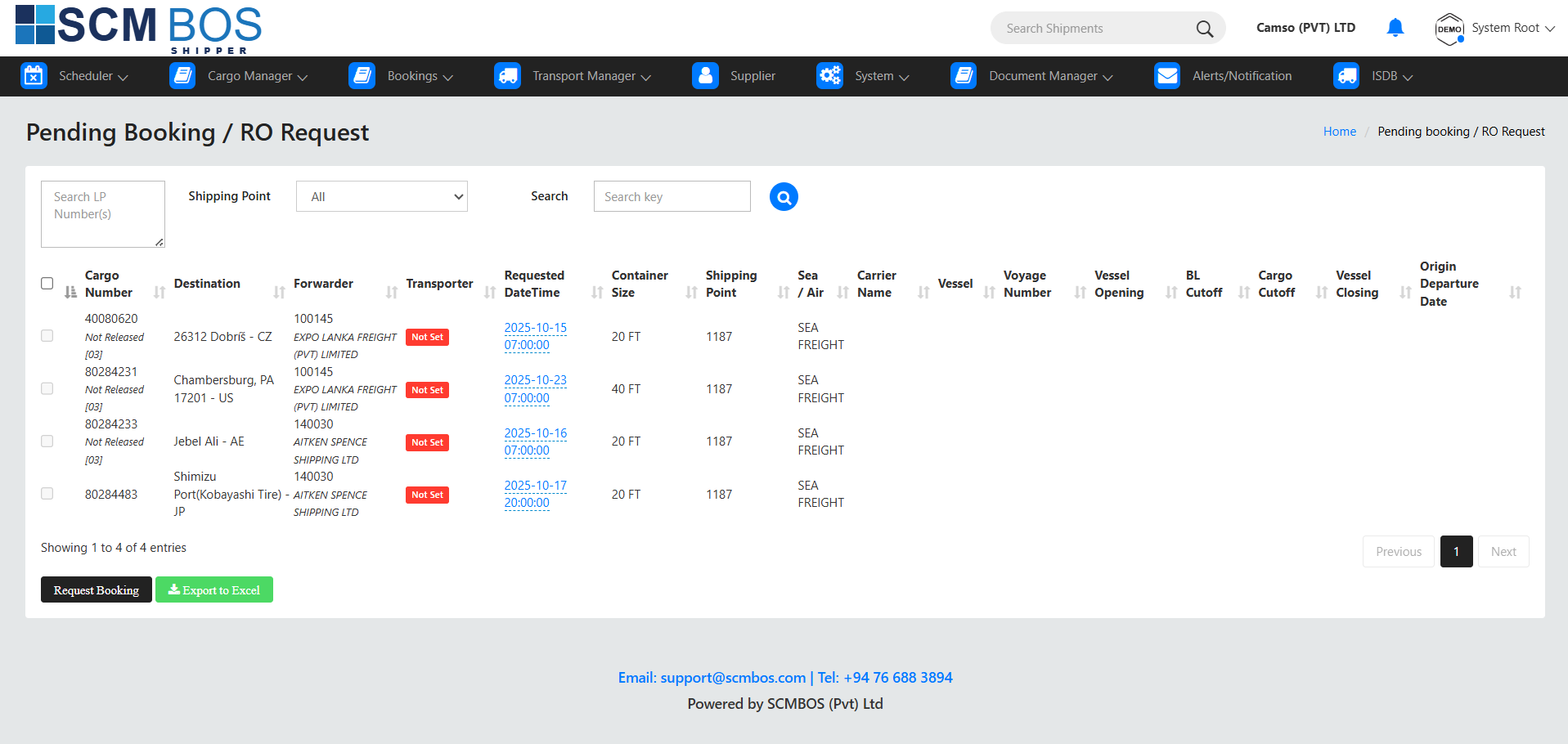
This section displays all export shipments that require booking requests to be sent to shipping lines. Operators use this screen to prepare and send booking requests for vessel space allocation.
Key Process Items
- Review Shipment Details — customer, cargo type, quantity, POL/POD.
- Check Vessel Availability before requesting space.
- Generate Booking Request for the shipping line.
- Send Request and monitor status update.
Bookings — Requested
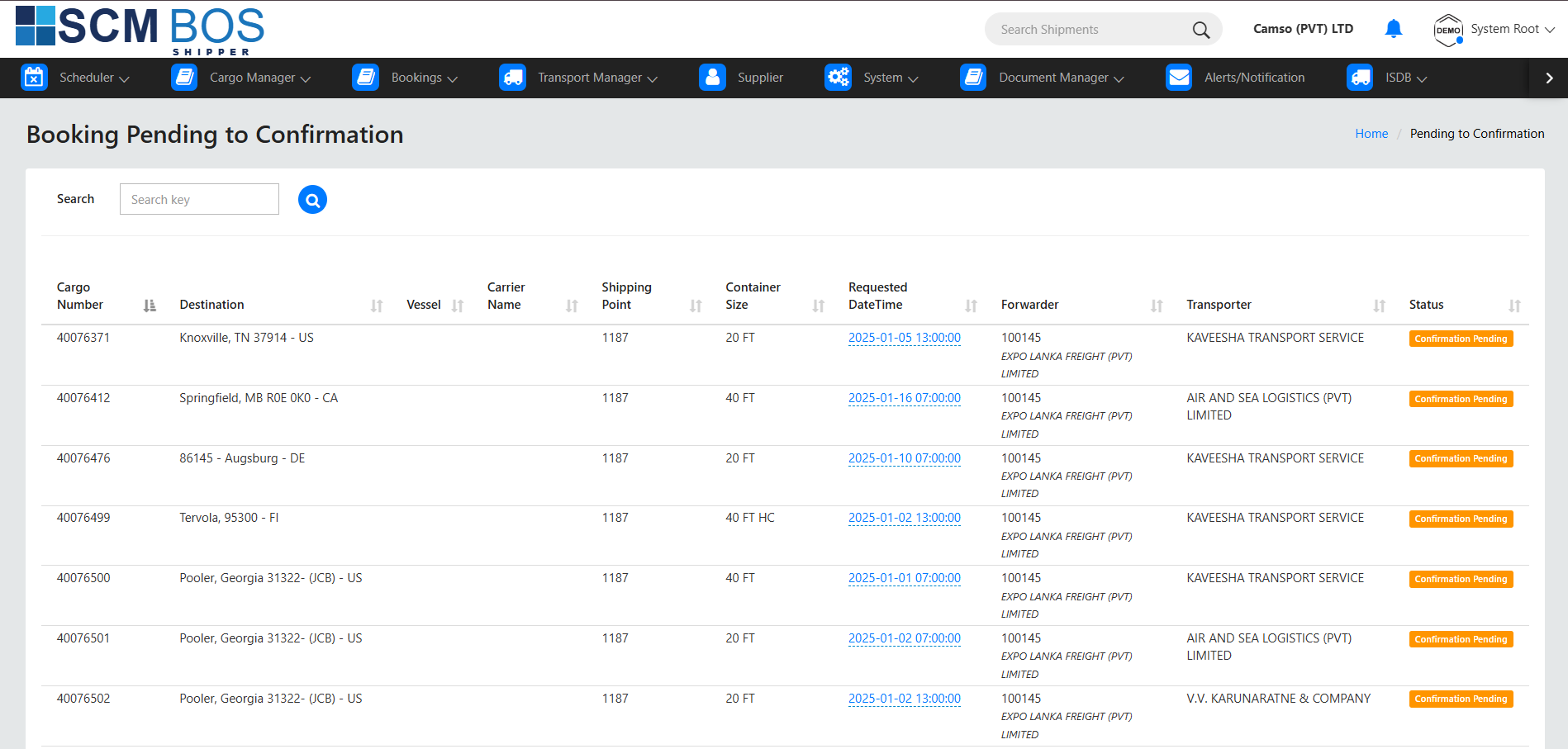
Requested bookings are those already submitted to shipping lines but not yet approved. This module allows operators to monitor pending responses and follow up when necessary.
Key Process Items
- Track Outgoing Booking Requests.
- Monitor Line Response Time.
- Update Customer on booking request status.
- Send Follow-ups if no response within allowed SLA.
Bookings — Confirmations
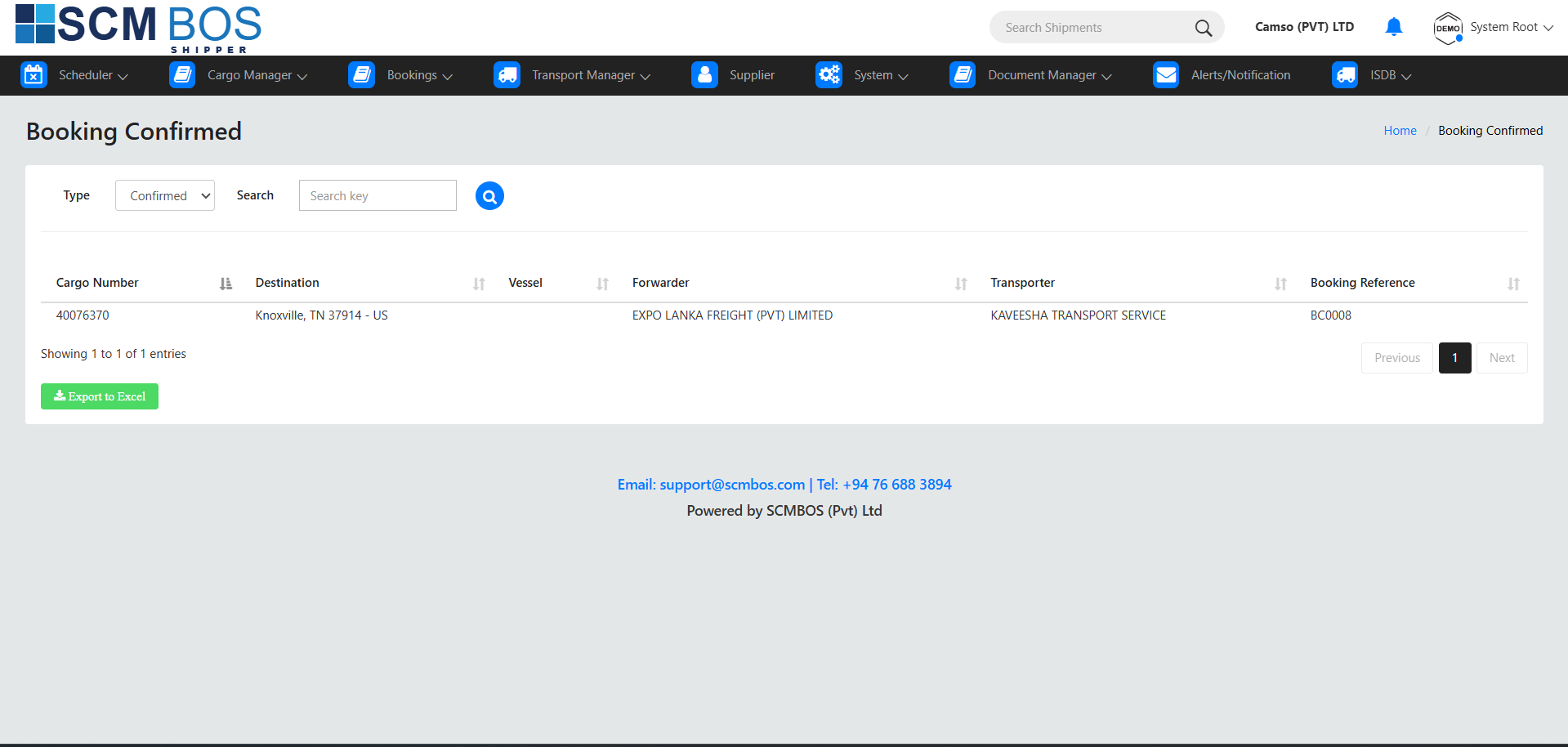
Confirmations section displays all bookings that have been approved by the shipping line. Confirmed bookings become export jobs and link directly to the Export Manager → Exports module.
Key Process Items
- View Approved Booking Details — vessel, voyage, cut-offs.
- Generate Export Job for warehouse operations.
- Share Confirmation with Customer.
- Proceed to Stuffing & Yard Allocation.
Transport Manager — Vehicle Registration
Vehicle Registration is used to register trucks, lorries, and transporters that will handle cargo movement. The system stores vehicle details, transporter information, driver data, and compliance documents.
Key Process Items
- Register New Vehicles — plate number, capacity, type.
- Assign Transporter to each vehicle.
- Upload Compliance Documents — insurance, license, fitness report.
- Manage Drivers linked to each vehicle.

Transport Manager — Gate Pass
Gate Pass is used to authorize cargo movement in or out of the warehouse yard. It ensures transport security and accurate tracking of container or cargo dispatch.
Key Process Items
- Create Outbound Gate Pass for export loading.
- Create Inbound Gate Pass for returning or incoming vehicles.
- Verify Vehicle & Driver Information.
- Track Exit and Re-entry timestamps.

Transport Manager — Change Transporter
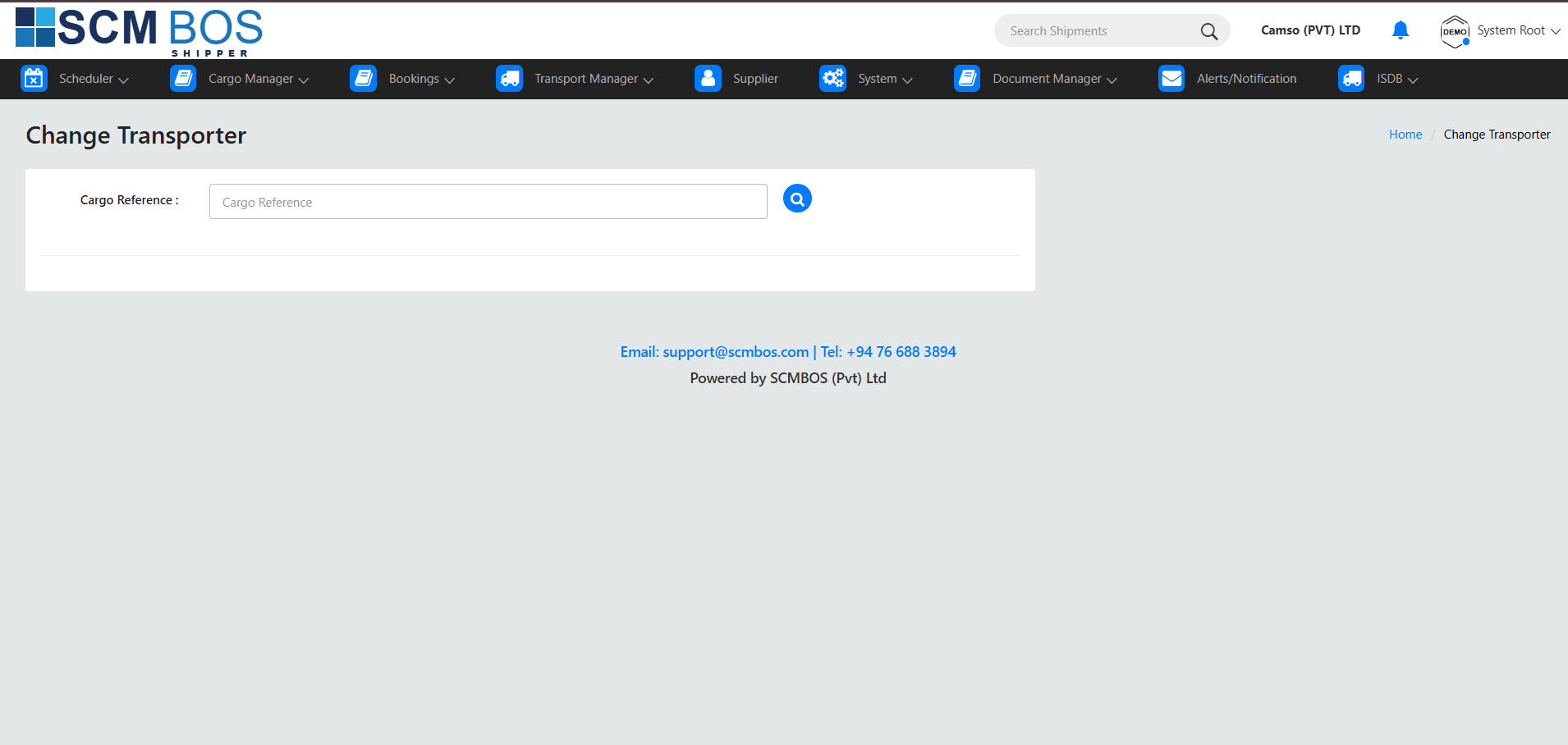
Change Transporter allows supervisors to update the assigned transporter for a specific cargo job, usually due to operational delays, vehicle breakdown, or customer request.
Key Process Items
- Select Export/Import Job that requires transporter change.
- Choose New Transporter from registered list.
- Update Assignments — vehicle, driver, contact.
- Re-issue Gate Pass if required.
Supplier Management — Supplier
Supplier module handles registration, updates, and management of supplier details connected to export or import operations. It provides a central repository of supplier profiles, documents, and operational history.
Key Process Items
- Register New Suppliers — company details, contact, address.
- Maintain Compliance Documents — certificates, approvals.
- Link Suppliers to export or import jobs.
- Track Supplier Performance — on-time delivery, quality issues.

Company
The Company section stores and manages master information about companies operating within SCMBOS.
Purpose
- Maintain details about all companies using the system (own company, partner companies, logistics companies, etc.).
- Enable company-specific configurations across modules like Scheduling, Export, Imports, and Transport Manager.
Common Functions
- Add, edit, remove company records.
- Set company address, contact details, tax and compliance information.
- Assign company type (e.g., Consignee, Shipper, Warehouse Operator).
- Enable/disable company status.
Workflow Example
- Navigate to System → Company Manager → Company
- Click Add New Company
- Fill in legal name, email, physical address, and compliance numbers
- Click Save
- System validates duplicates and mandatory fields
Event Manager
Purpose
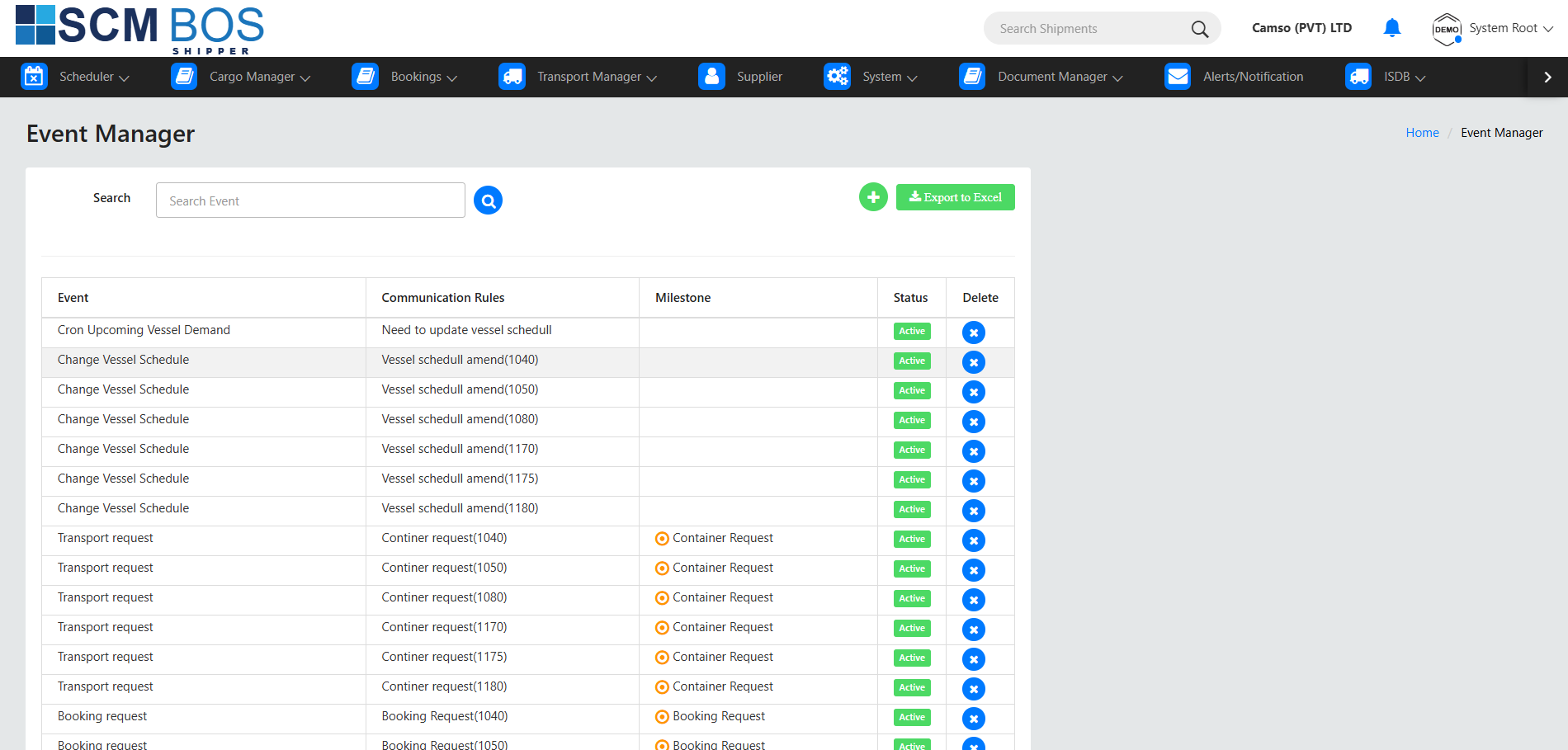
- Configure system-wide events, alerts, and timeline triggers.
- Automate notifications for bookings, cargo, loading, or transport events.
Functions
- Define event codes (e.g., "Booking Created", "Gate Pass Approved").
- Set up auto-email or SMS triggers.
- Link events to modules for audit trails.
Communication Rules
Purpose
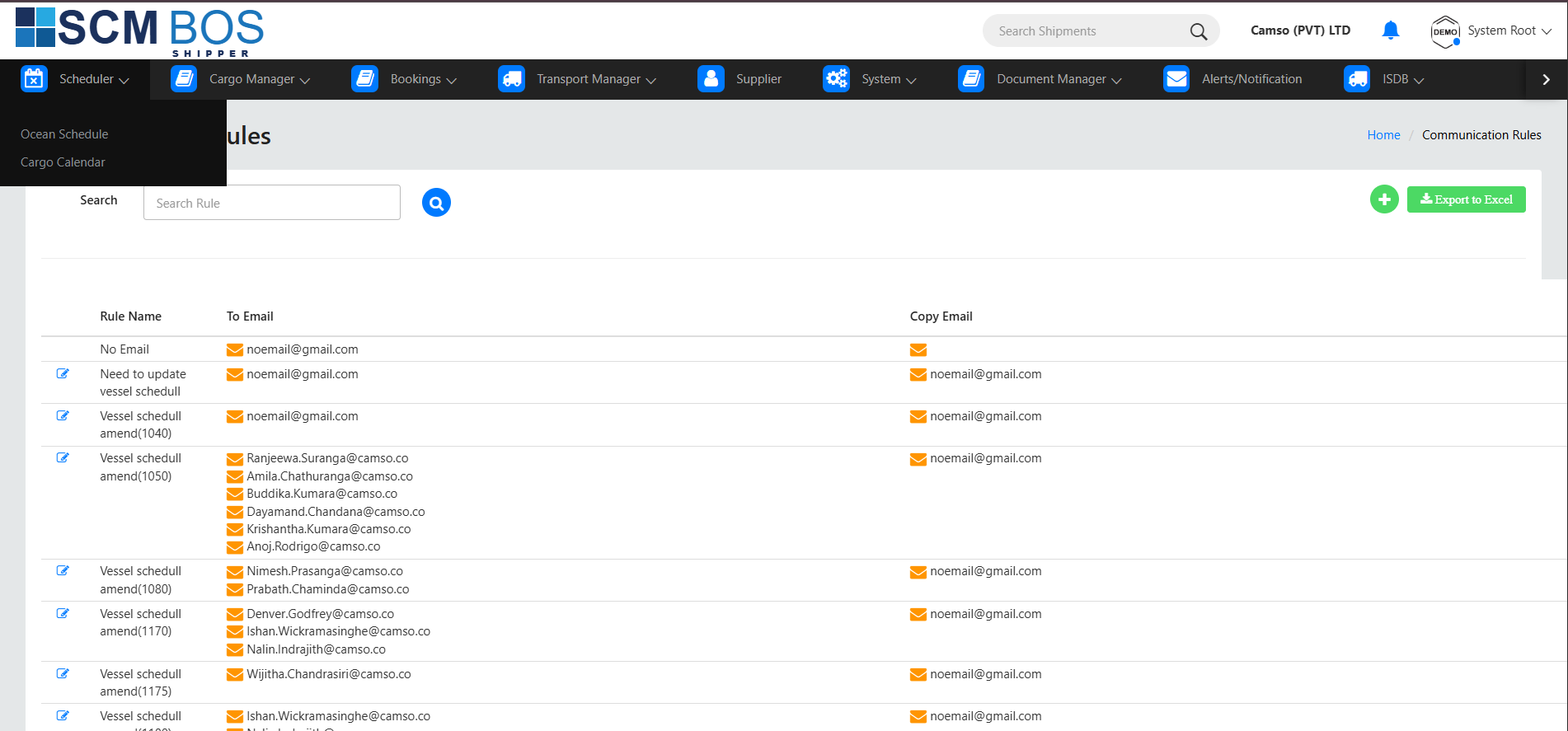
- Set automated communication rules for clients, transporters, and internal staff.
- Manage notification formats and conditions.
Common Activities
- Configure email/SMS templates (e.g., “Booking Confirmation Email”).
- Define communication triggers (time-based or event-based).
- Manage sender identities and priority levels.
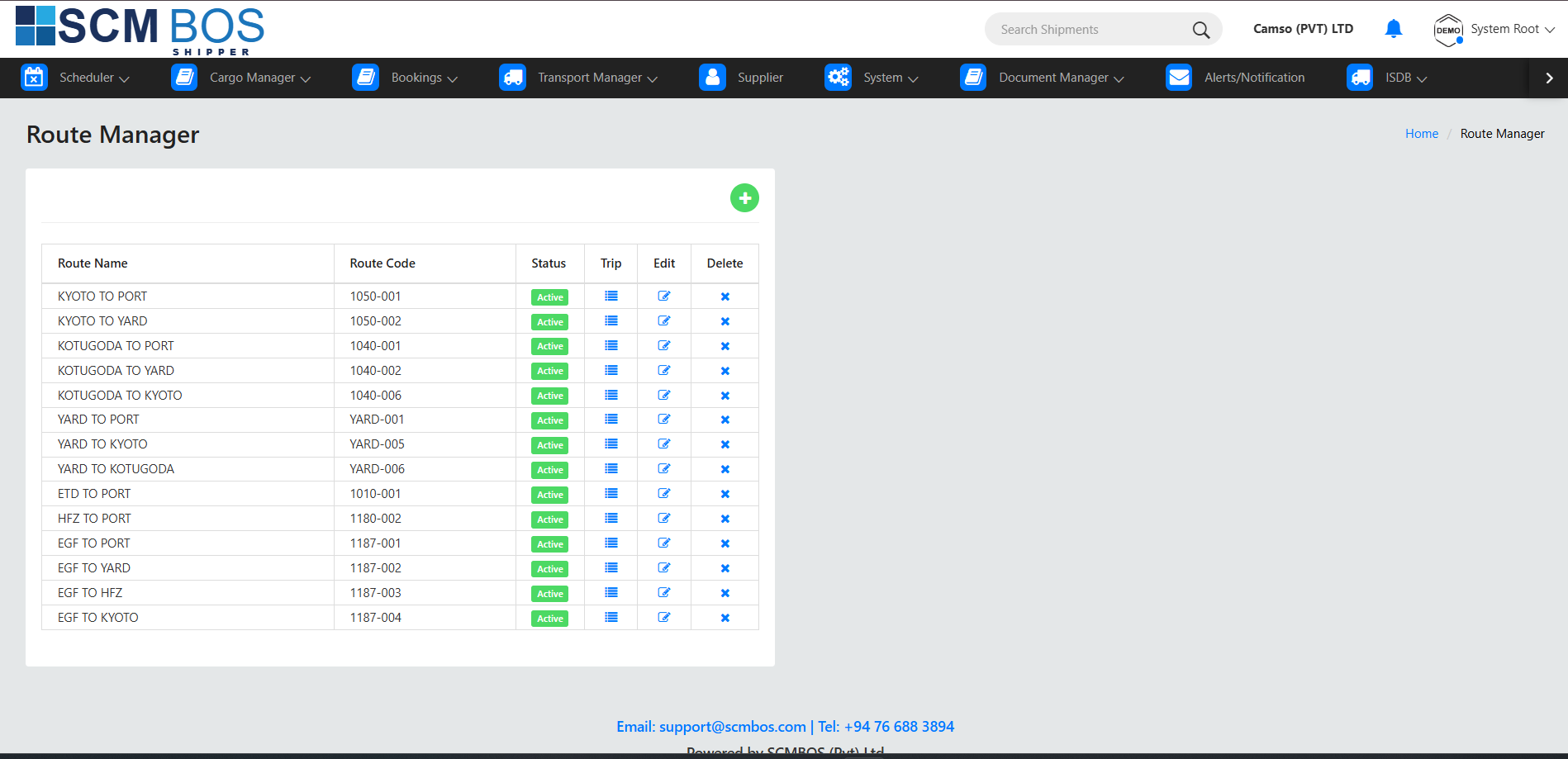
Route Manager
Purpose
- Create and maintain transport routes used for export deliveries.
- Standardize routing to reduce scheduling errors.
Features
- Add new delivery routes (origin → destination).
- Set transport distance, transit time, and route category.
- Assign routes to bookings or vehicle scheduling.
Use Case
For pickup from Colombo Port and delivery to Katunayake Cargo Village, Route Manager defines standard data used across transport modules.
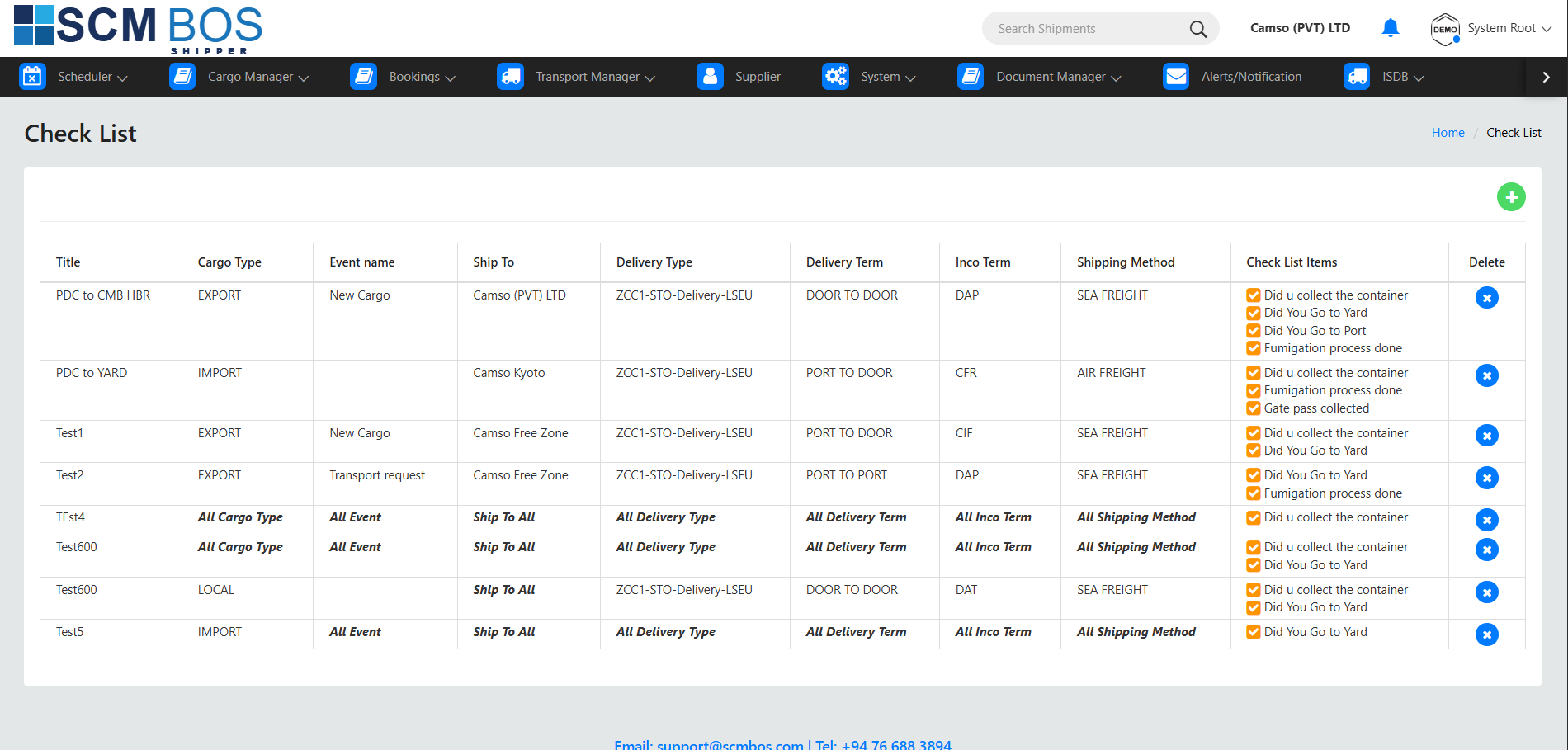
Check List
Purpose
Maintain operational checklists used during export workflows.
Usage Examples
- Export documentation checklist
- Container inspection checklist
- Loading verification checklist
Benefits
- Ensures compliance with international shipping standards.
- Reduces missed steps and human error.
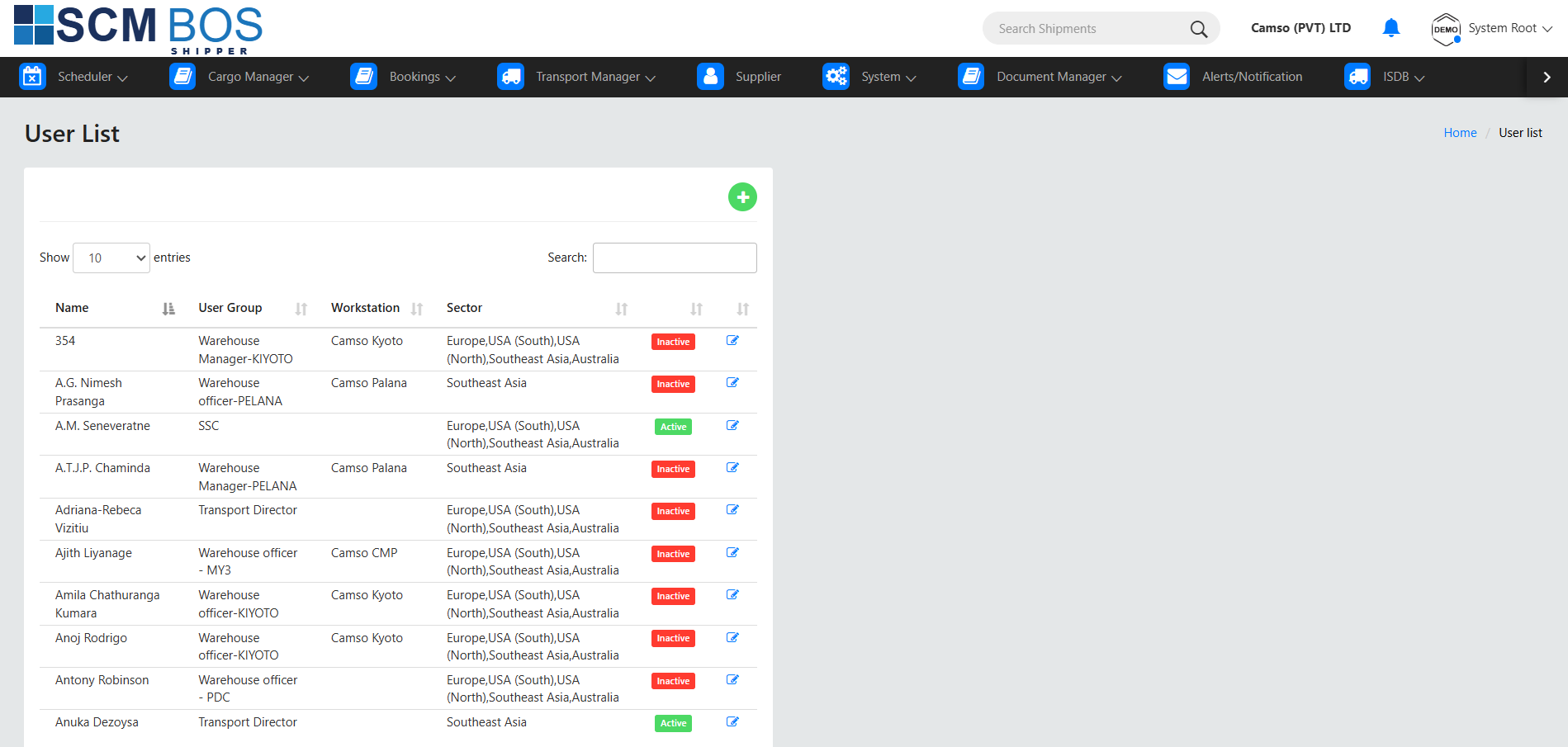
2.1 Users
Manages all active and inactive user accounts in SCMBOS.
Purpose
- Create and maintain user profiles.
- Assign user roles, permissions, and module access.
- Control system security and enforce compliance.
Key Operations
- Add new users and assign them to specific sites/companies.
- Set login credentials, reset passwords, deactivate accounts.
- Assign permissions via User Groups.
- Track user activity logs.
Use Case
A new export coordinator joins the team. The admin adds a new user, assigns them to the Exports module, and gives read–write access to Bookings and Cargo Manager.
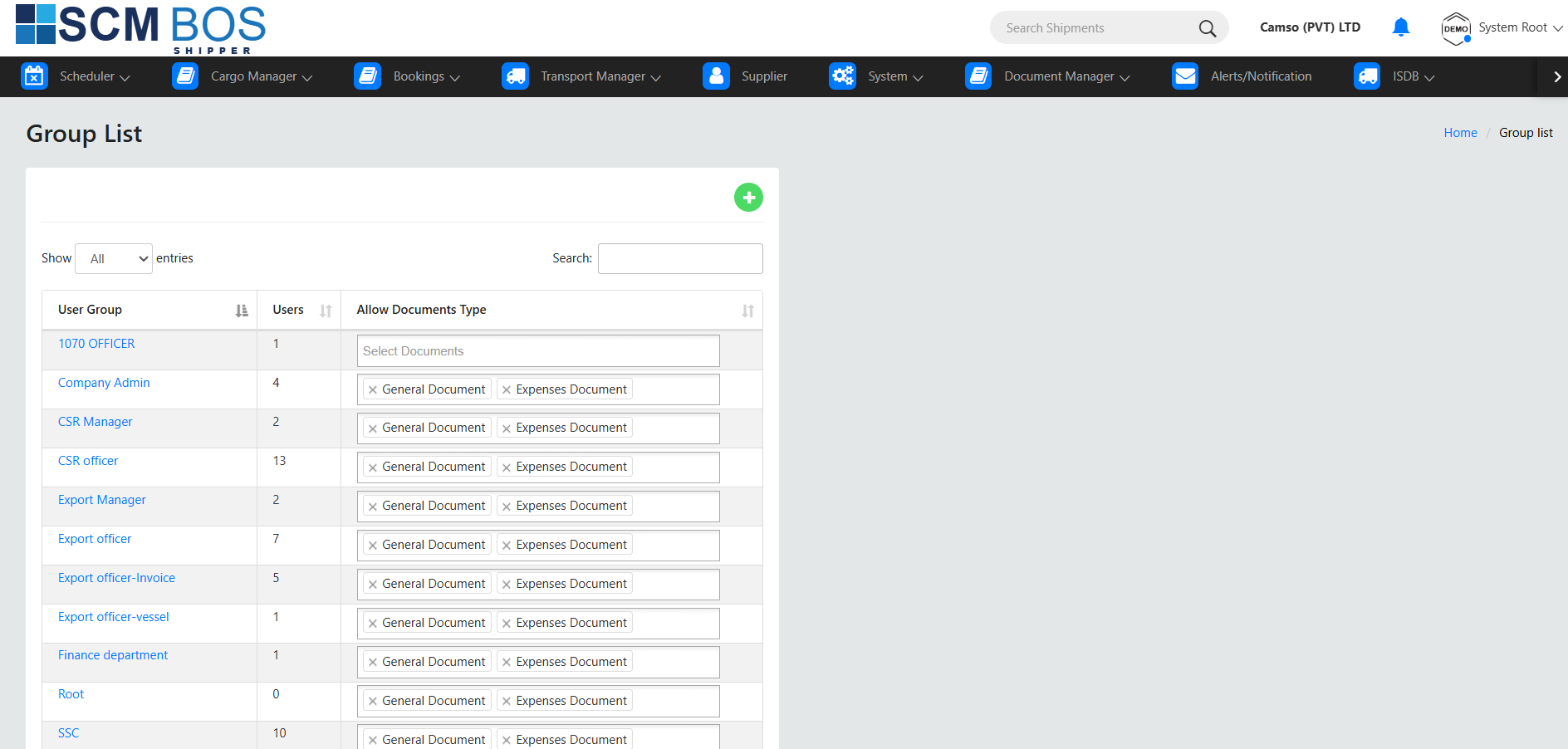
2.2 User Group
User Groups manage role-based access control (RBAC) for different job roles.
Purpose
- Create group-based permission templates.
- Assign multiple users to a common permission set (e.g., Export Clerk, Transport Planner, Supervisor).
Key Actions
- Create new user groups.
- Configure module-level and submenu-level permissions.
- Assign groups to users.
- Update group permissions system-wide with a single change.
Example Groups
- Export Coordinator → Can manage bookings, requests, confirmations
- Yard Supervisor → Can access Yard List, Gate Pass
- Transport Manager → Can approve Vehicle Registration, schedule drivers
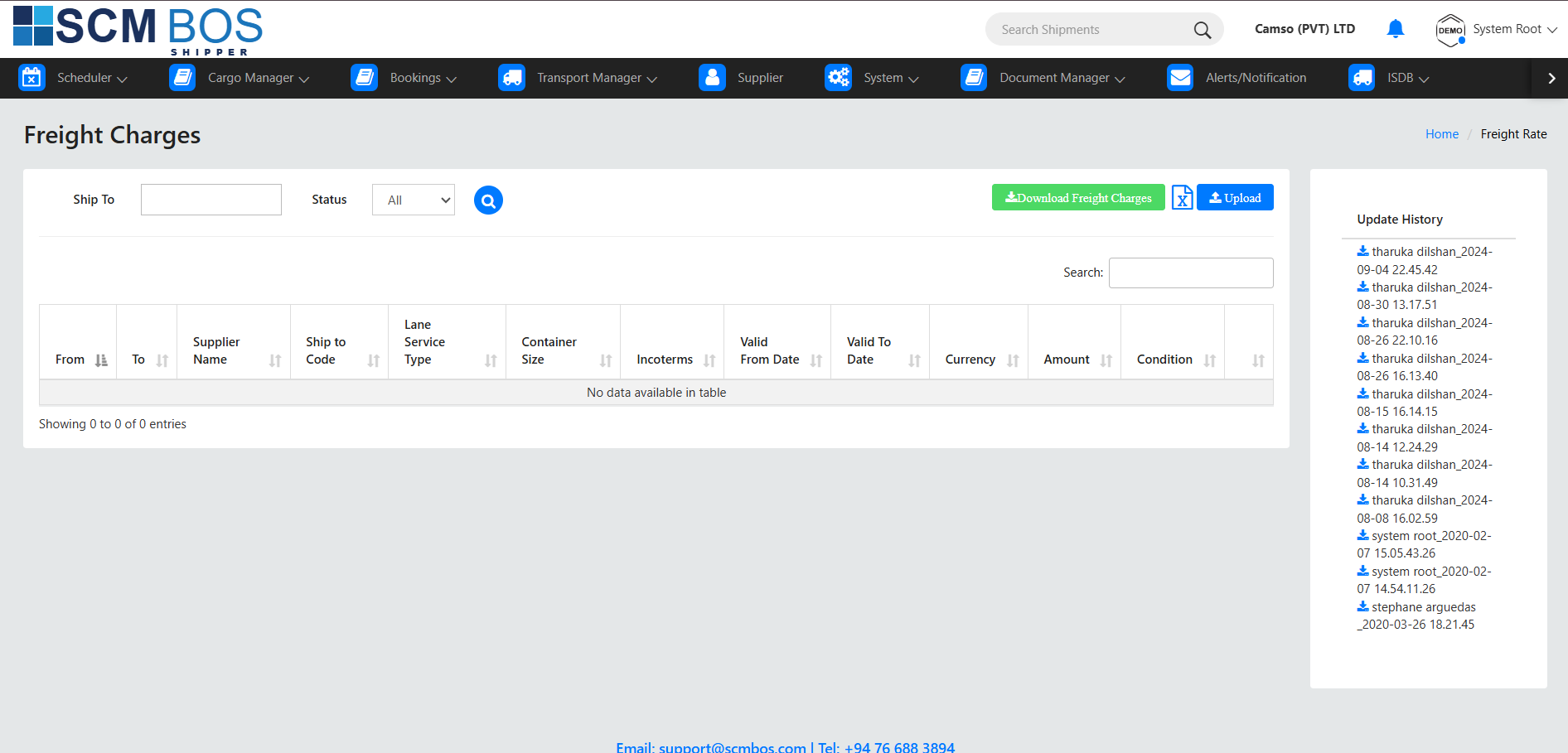
3.6 Freight Charges
Purpose
Maintain master freight cost data for export lanes.
Included Information
- Freight rates (LCL/FCL/Air Freight)
- Carrier or shipping line details
- Validity dates and surcharges
Used In
- RFQ-AF
- Export quotations
- Cost estimation
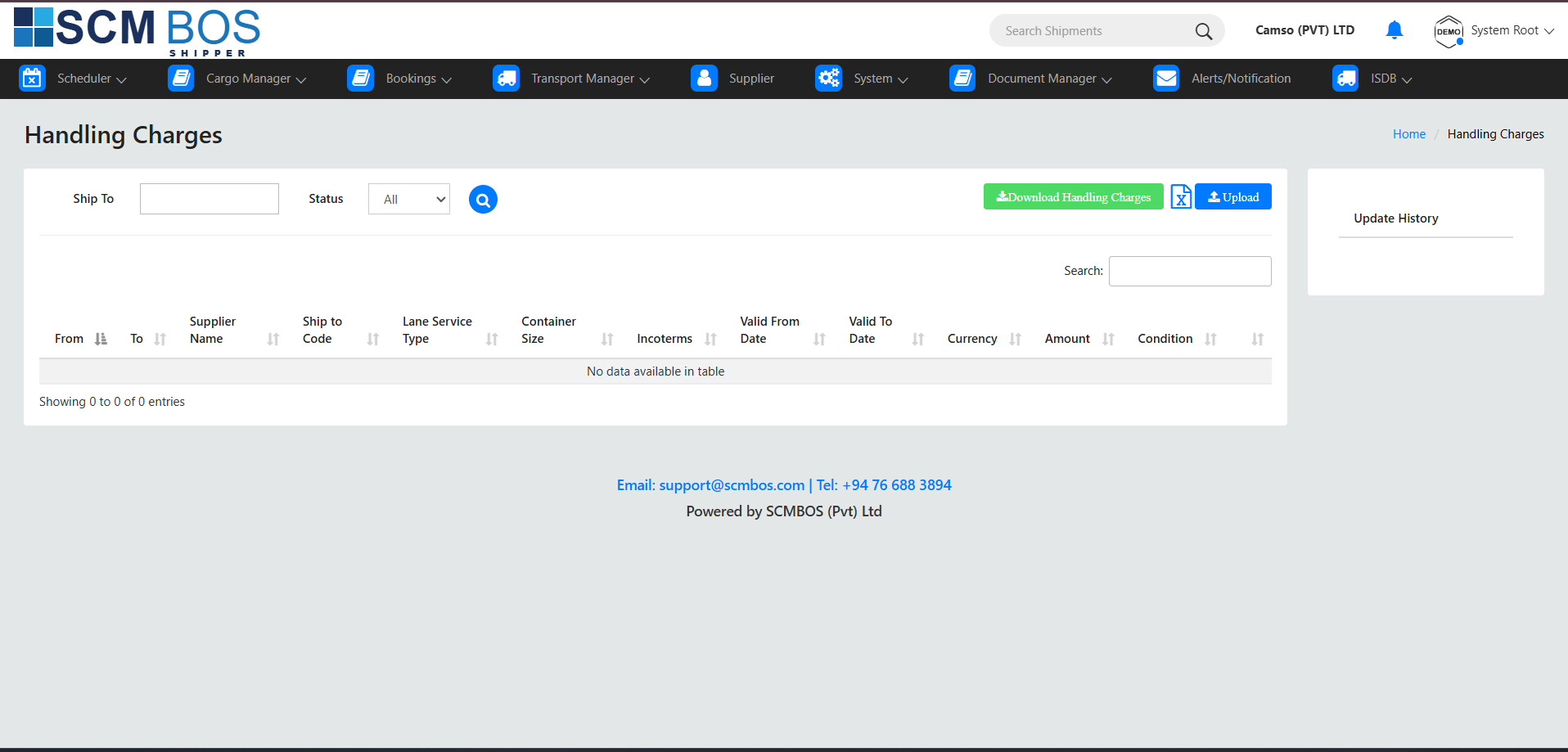
3.7 Handling Charges
Purpose
Configure charges for warehouse handling, loading, equipment usage, etc.
Common Charges
- Pallet handling
- Container loading/unloading
- Crane or forklift usage
- Special cargo handling
Where Used
These charges are automatically included in cost sheets or export invoices.
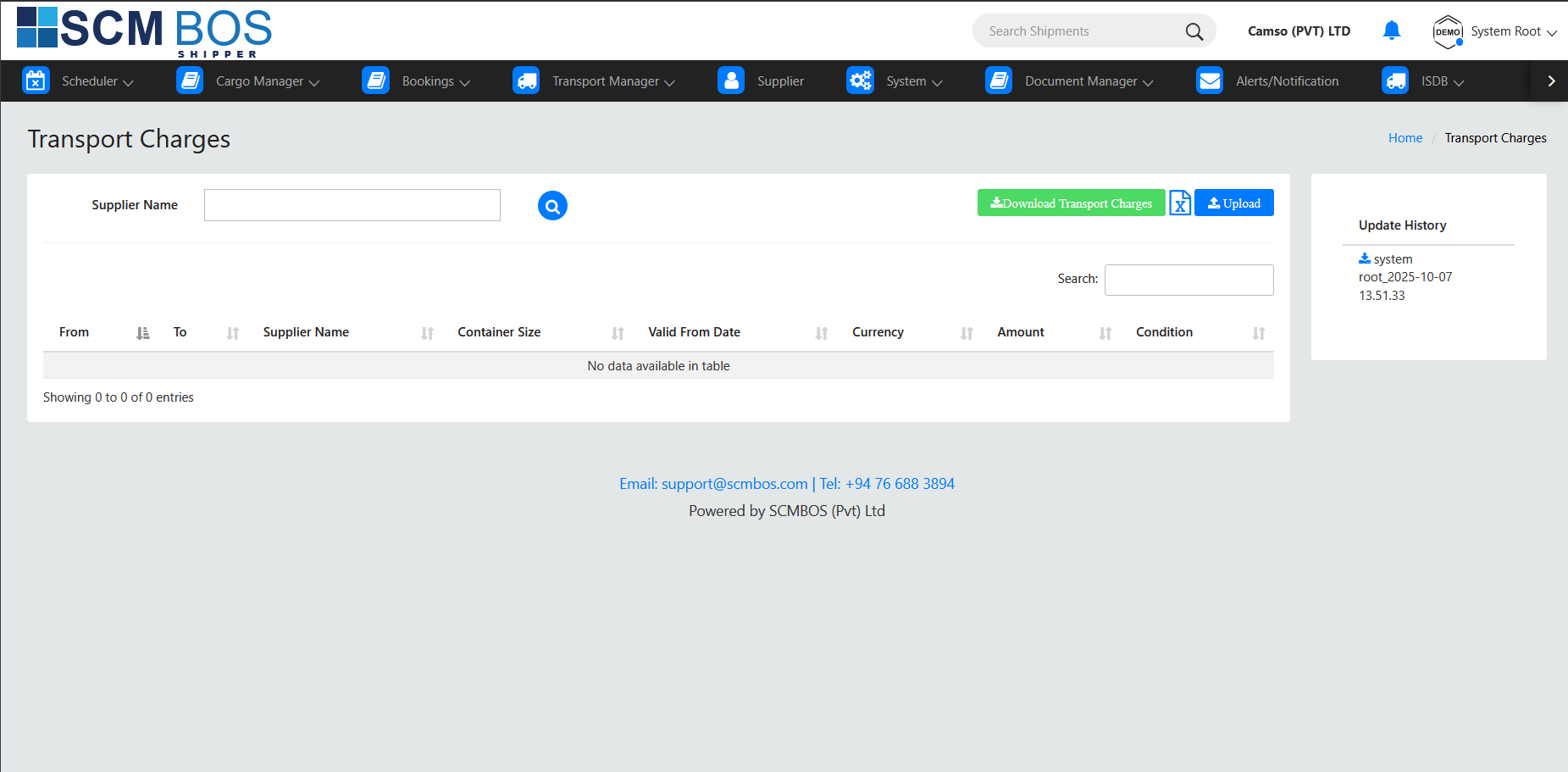
3.8 Transport Charges
Purpose
Maintain transport cost structures (KM-based, trip-based, vehicle type-based).
Features
- Add charges for individual routes
- Maintain driver/vehicle rate cards
- Apply charges to Gate Pass or Transport Manager workflows
3.9 Ship to Party
Purpose
Create and manage "Ship-To" locations used during export processing.
Typical Data
- Company name
- Delivery address
- Country, port code
- Contact details
Usage
In Export Bookings, each cargo is assigned a Ship-To Party.
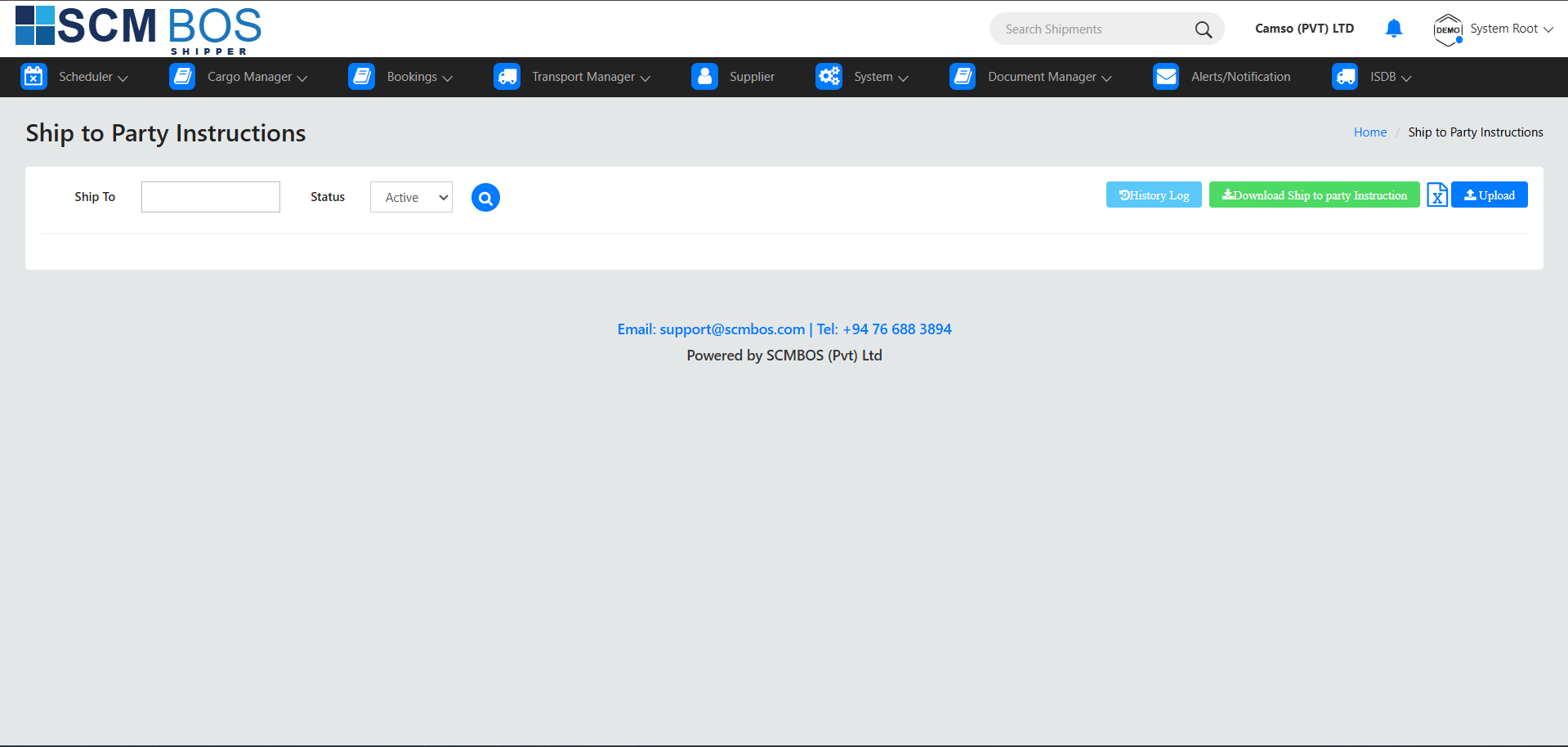
3.10 Ship to Party Instructions
Purpose
Store special shipping instructions for each Ship-to Party.
Examples
- “Requires palletization.”
- “Must attach COO & Fumigation Certificate.”
- “Only deliver between 9 AM – 4 PM.”
Benefit
Ensures repeated customers’ special conditions are followed consistently.
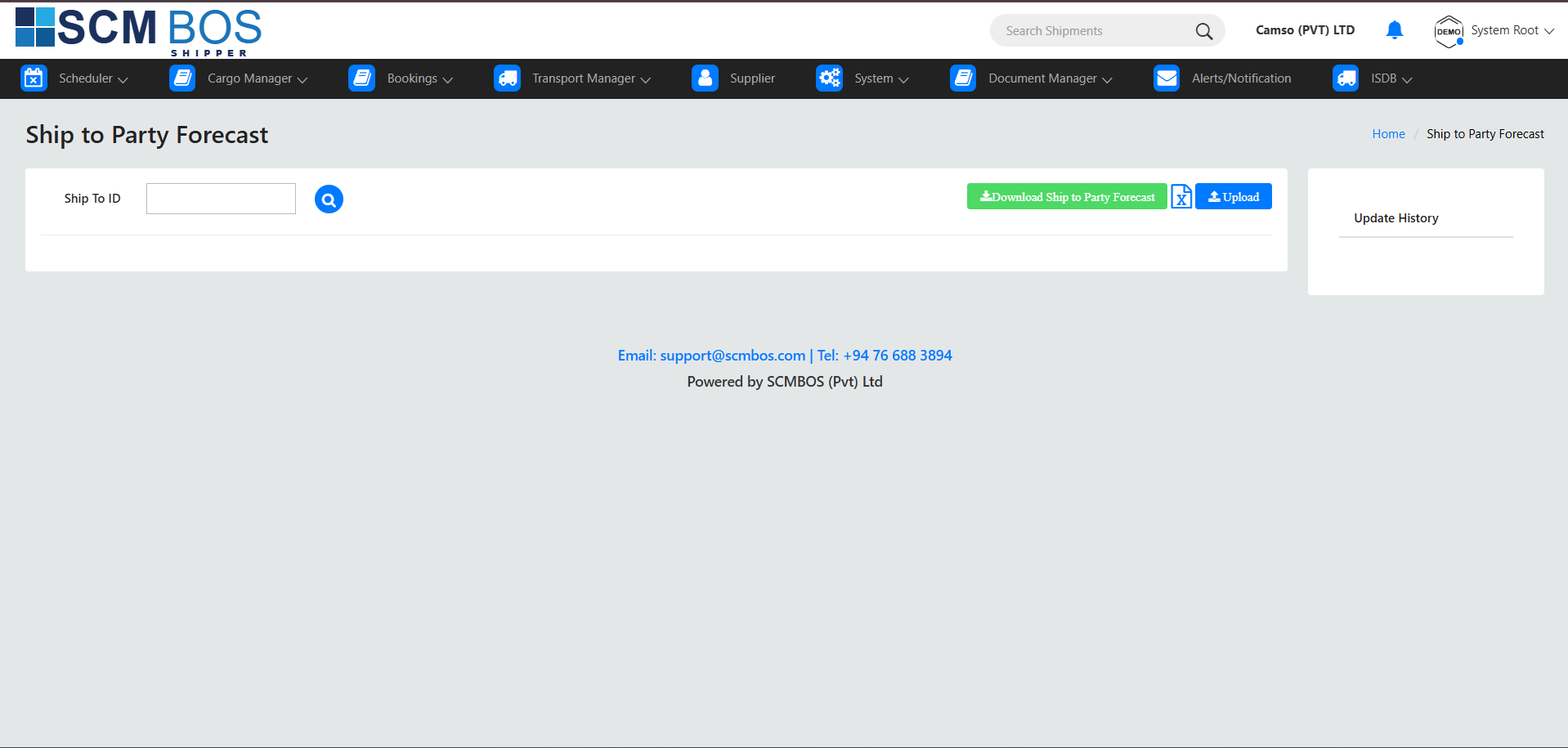
3.11 Ship to Party Forecast
Purpose
Maintain forecasted shipment quantities for customers.
Use Cases
- Predict future cargo volumes.
- Plan storage, labor, and vehicle availability.
Benefits
- Improves export scheduling efficiency.
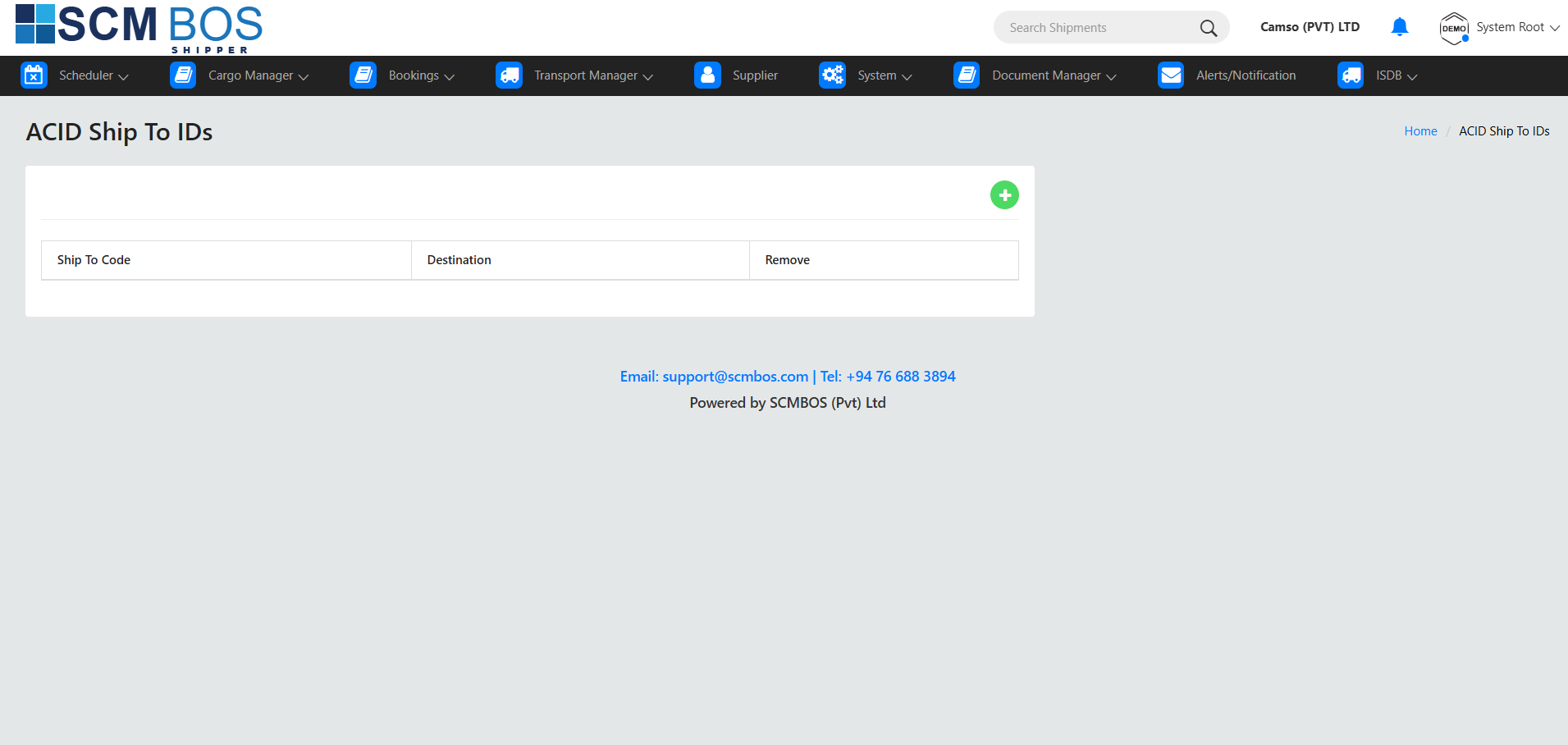
3.12 ACID Ship to IDs
Purpose
Manage ACID (Advance Cargo Information Declaration) IDs required for countries like Egypt.
Details Stored
- ACID number
- Consignee ID
- Importer/Exporter identification
- Expiry or validity period
Use Case
When exporting to ACID-regulated countries, system validates the ACID ID during booking or documentation.
Export Document
Purpose
Manage all documents related to export cargo operations, ensuring compliance and accuracy throughout the shipment lifecycle.
Key Capabilities
- Create and maintain export-specific documents such as Invoice, Packing List, CO, BL instructions, etc.
- Track document approval status and maintain revision history.
- Validate mandatory documents before shipment or vessel cut-off.
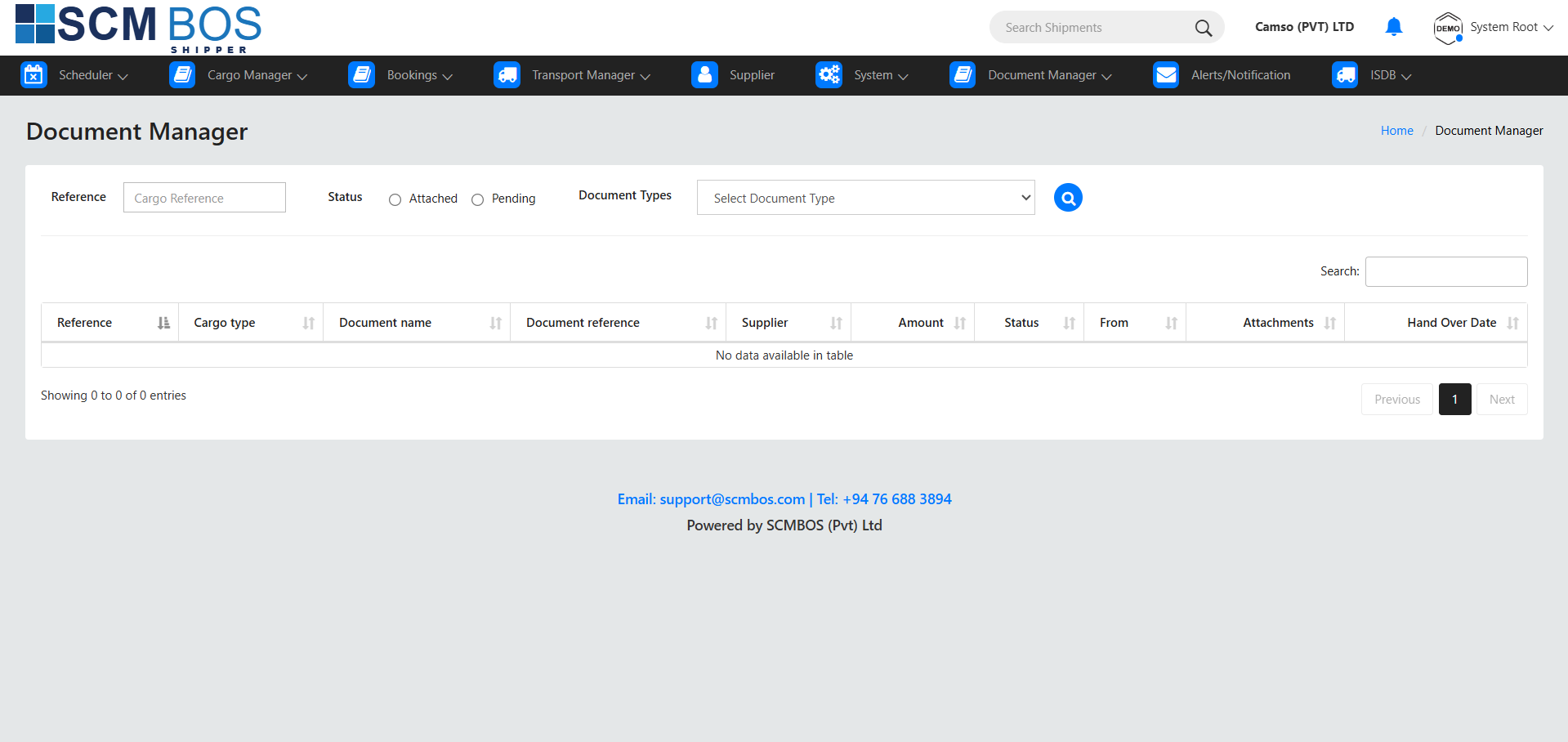
Import Document
Purpose
Handle all documentation required for import shipments and customs clearance.
Key Capabilities
- Capture BL, AWB, Invoices, HS codes, and other import documents.
- Organize documents by shipment, container, or consignment.
- Provide visibility for customs processes and importer actions.
Local Delivery Document
Purpose
Manage documentation for domestic cargo transfers and local deliveries.
Key Capabilities
- Create Delivery Notes, Transfer Sheets, and Proof of Delivery documents.
- Assign vehicles and drivers for local dispatches.
- Print or download local delivery receipts.
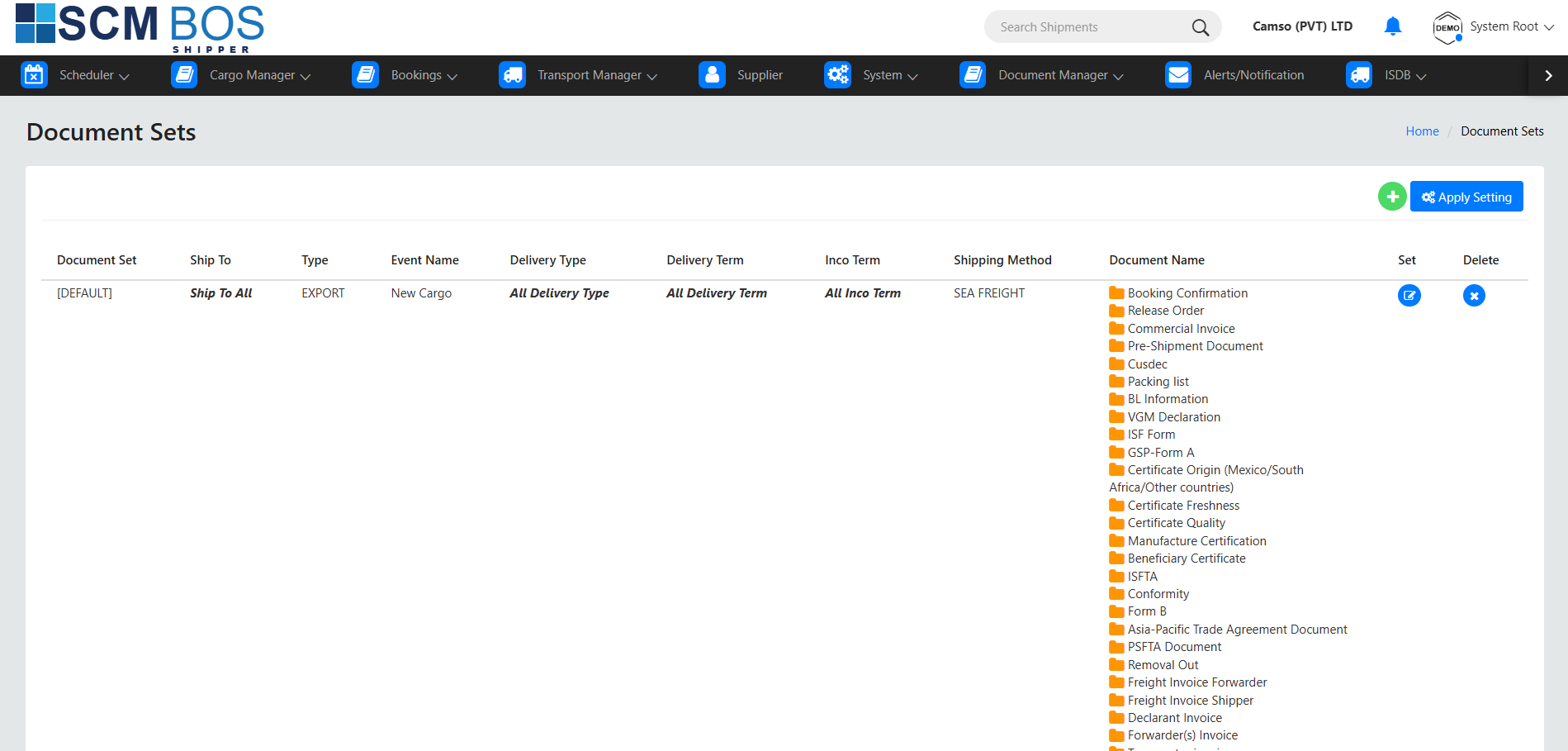
Document Sets
Purpose
Define pre-configured groups of documents required for specific cargo processes.
Key Capabilities
- Create reusable document set templates for export, import, or special cargo.
- Ensure operators upload all required documents.
- Automate validation based on shipment type.
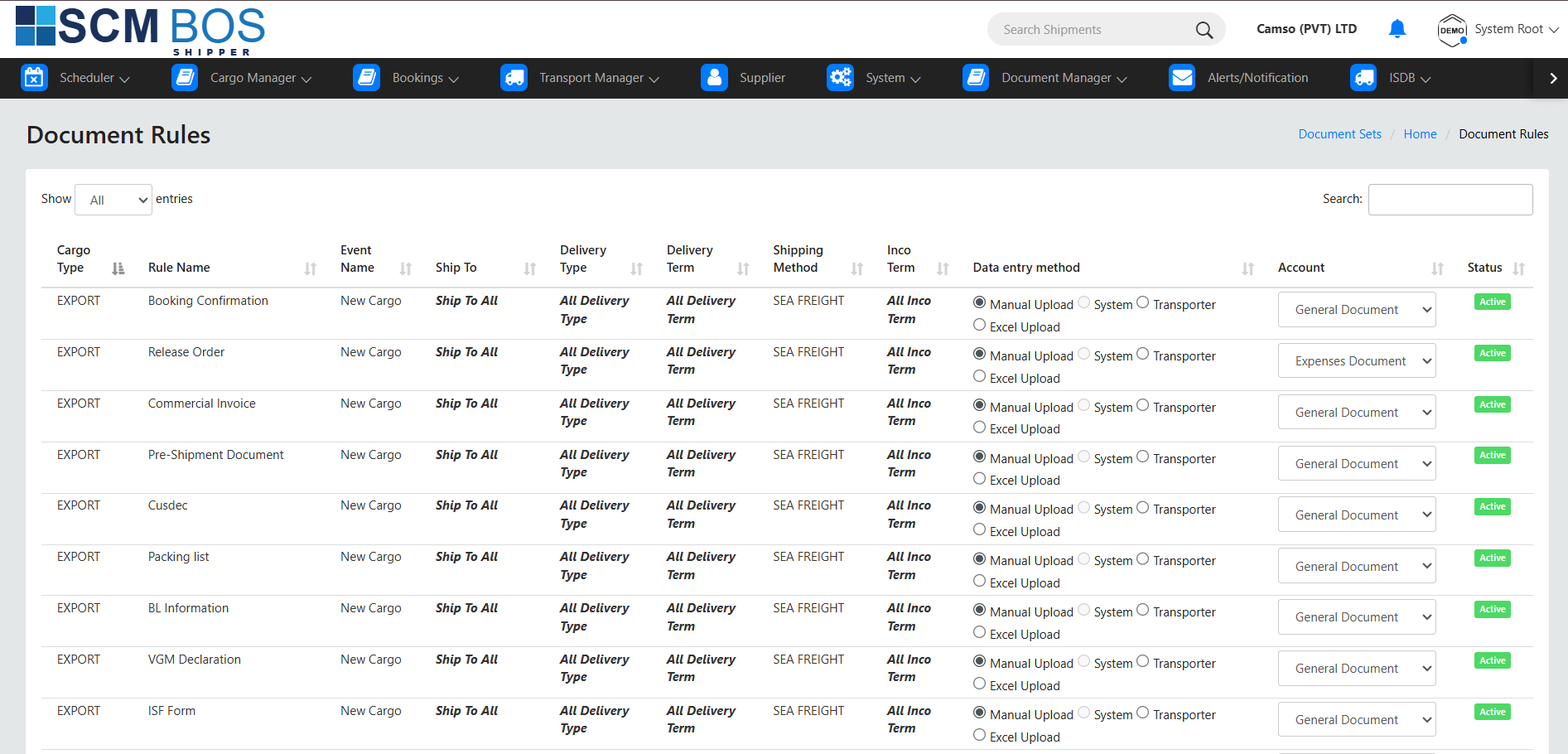
Document Rules
Purpose
Control mandatory document requirements and approval constraints for various workflows.
Key Capabilities
- Define rules for mandatory documents before booking, gate-in, or vessel cut-off.
- Configure rules for special cargo types (DG, reefer, oversized).
- Prevent workflow progression until required documents are uploaded.
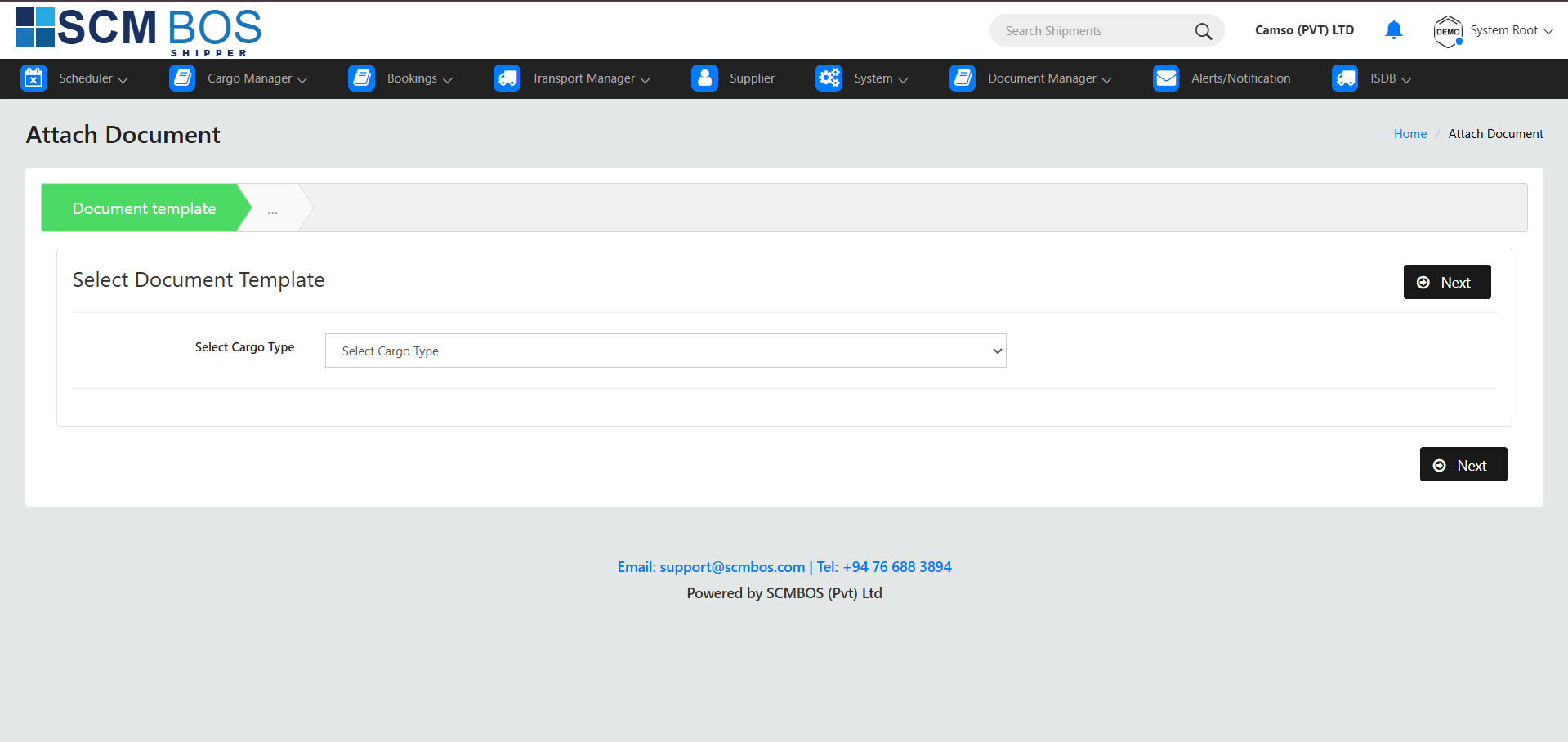
Document Attach
Purpose
Upload and attach scanned files, PDFs, or photos to shipment records.
Key Capabilities
- Support multiple file types including PDF, JPG, PNG, and Excel.
- Version control for revised document uploads.
- Tag documents by category for easy retrieval.
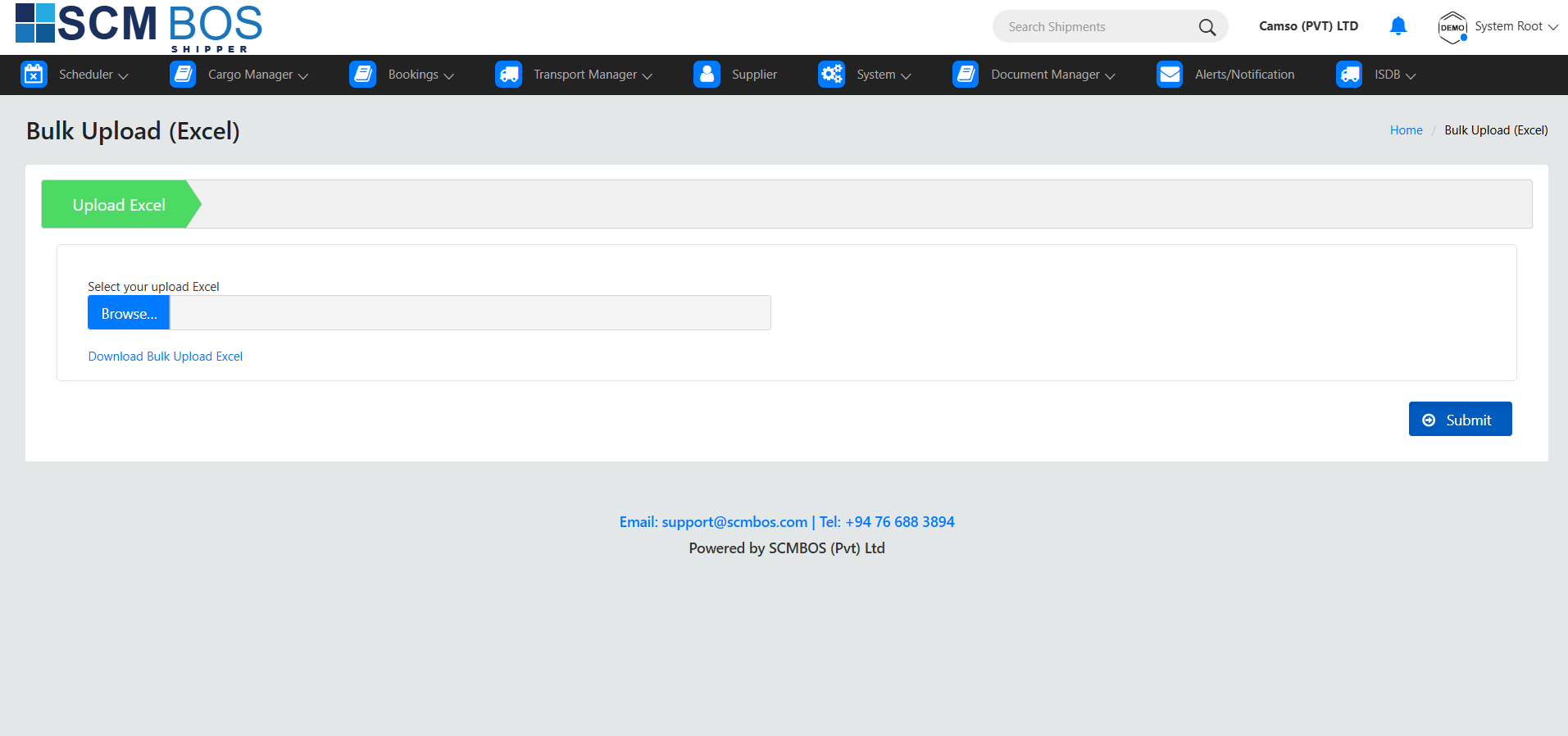
Upload Excel
Purpose
Import structured document data using system-provided Excel templates.
Key Capabilities
- Upload invoice lines, packing list data, HS codes, and other structured documents.
- System validates each row and displays errors.
- Automatically generates document records.
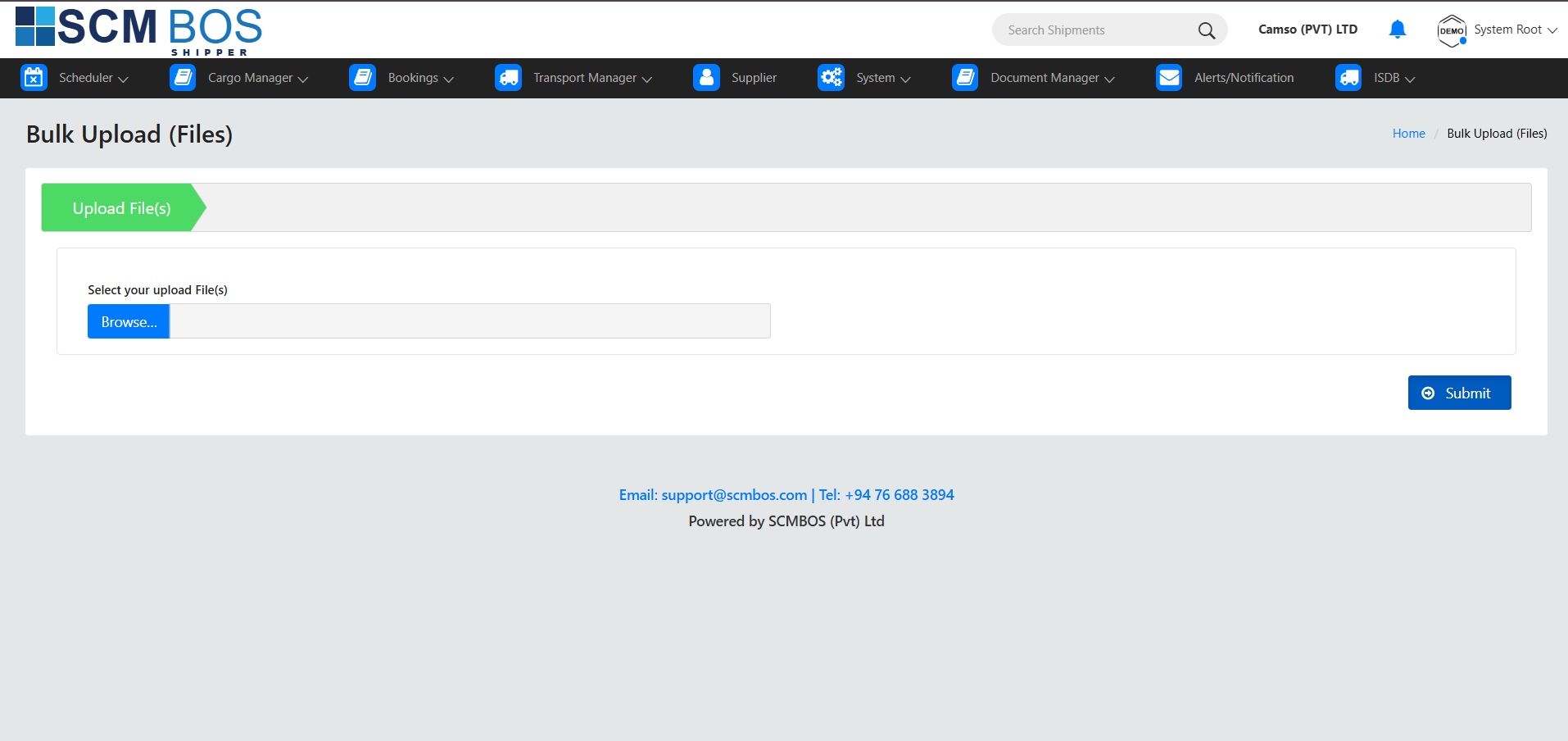
Upload Document
Purpose
Upload single documents for individual shipments.
Key Capabilities
- Attach standalone documents quickly.
- Select document type and shipment reference.
- Categorize and save uploaded files.
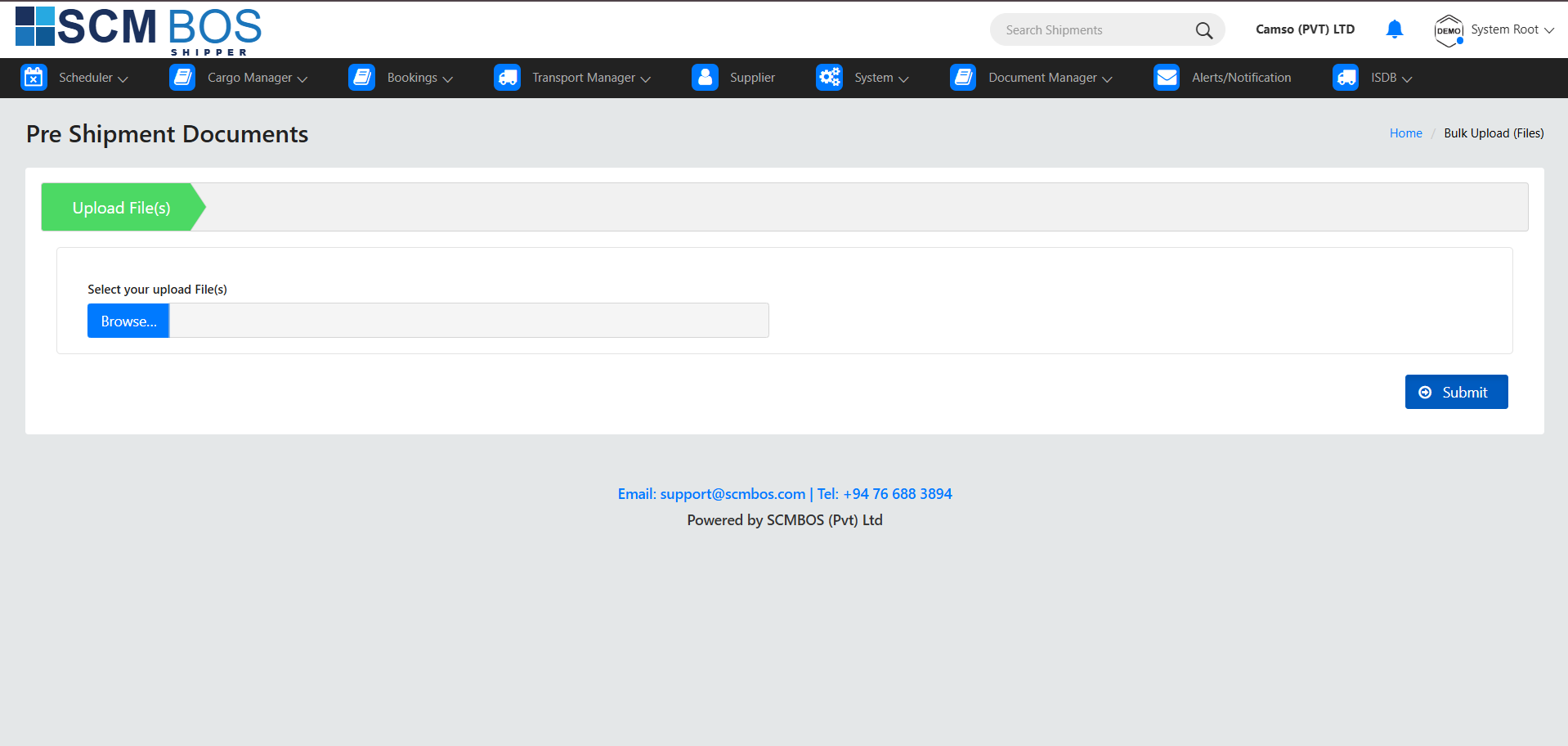
Pre-shipment Document
Purpose
Manage all documents required before cargo is approved for export.
Key Capabilities
- Capture mandatory commercial and compliance documents.
- Prevent shipment progress without required pre-shipment documents.
- Improve audit readiness and reduce compliance risks.
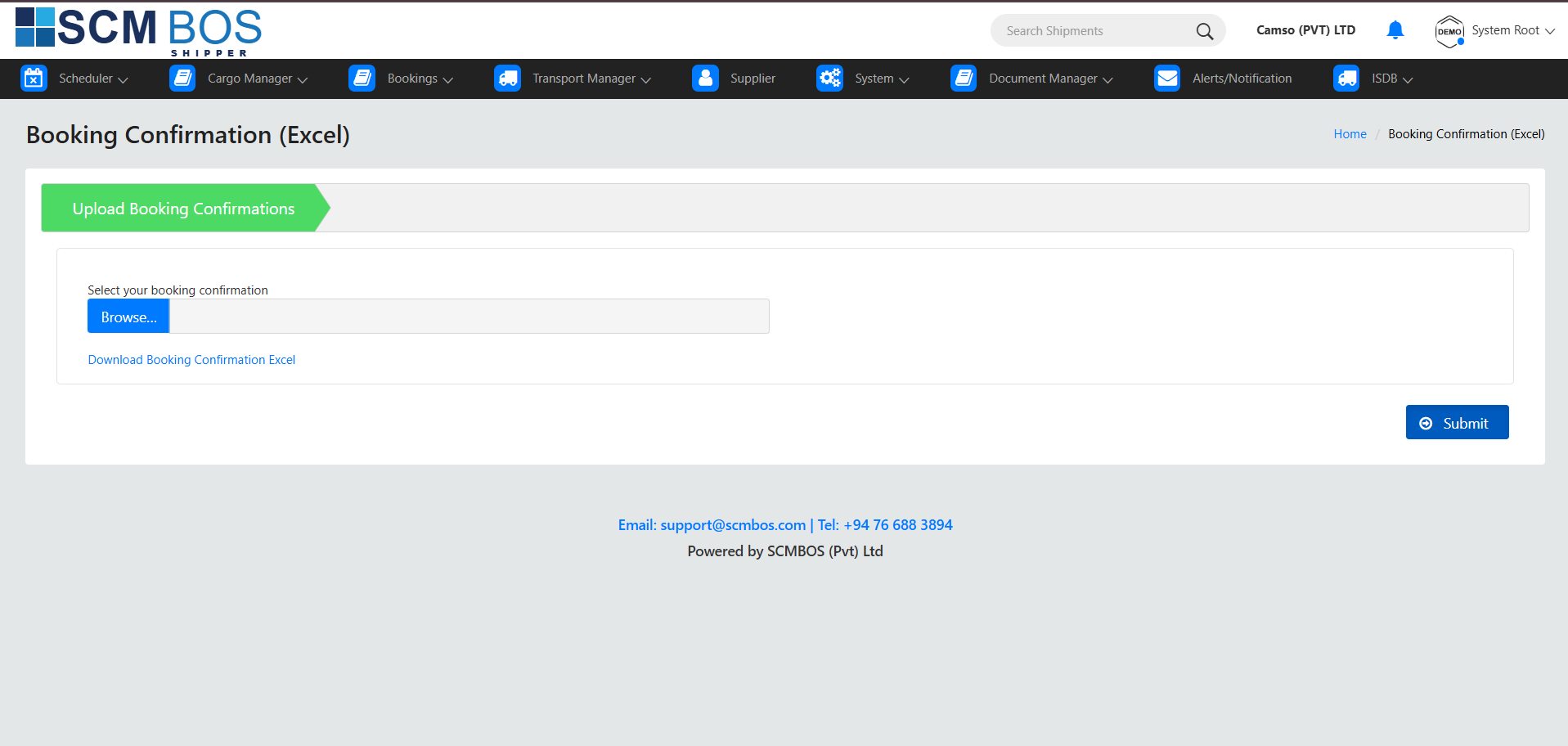
Booking Confirmation
Purpose
Record and upload booking confirmation received from carriers or agents.
Key Capabilities
- Store confirmed vessel or flight bookings.
- Synchronize with Export Scheduler/Set Vessel modules.
- Trigger notifications for downstream document processes.
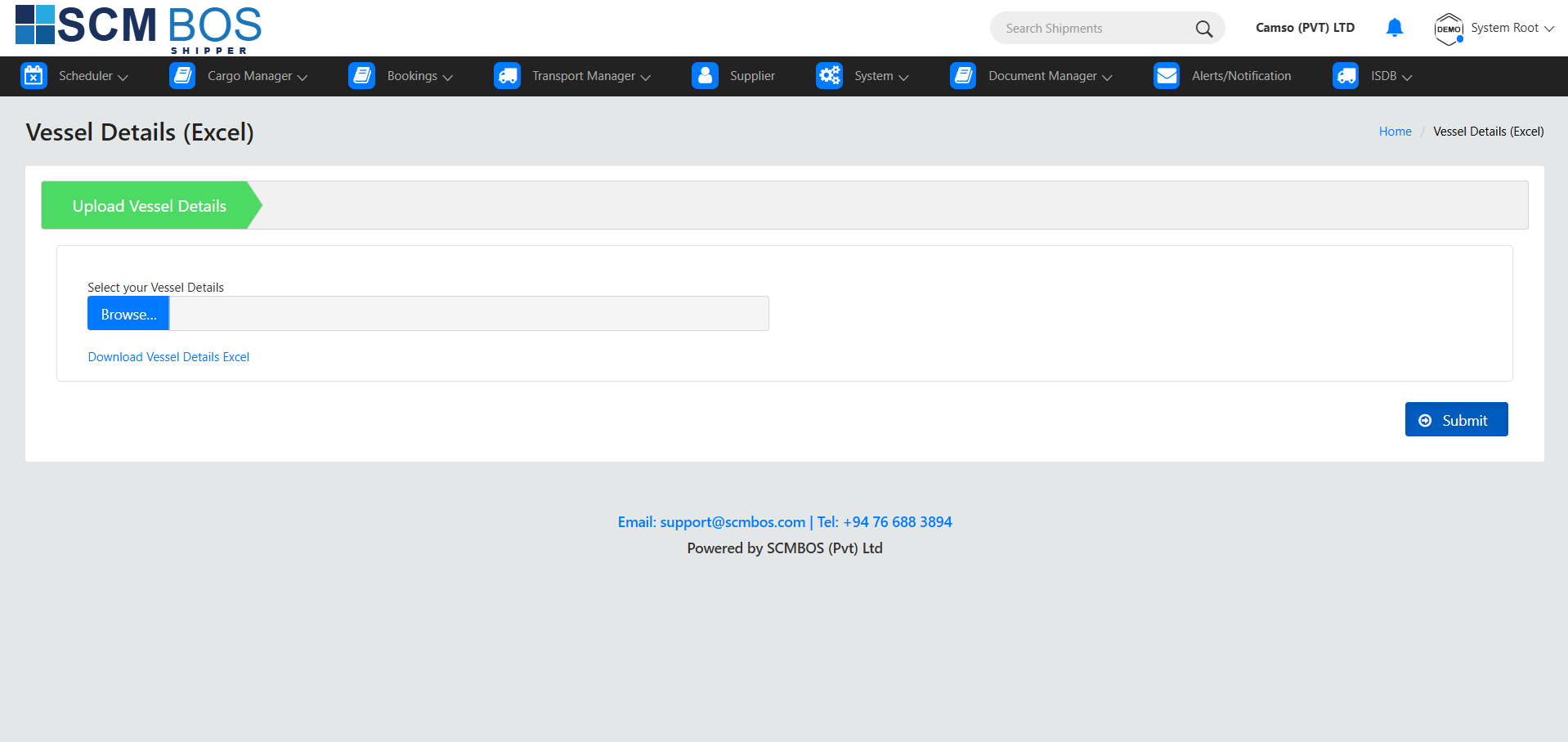
Vessel Details
Purpose
Capture and maintain vessel information related to export shipments.
Key Capabilities
- Record vessel name, voyage number, ETA, ETD, and cut-off details.
- Link documents and shipments to the correct voyage.
- Provide visibility for planning and documentation teams.
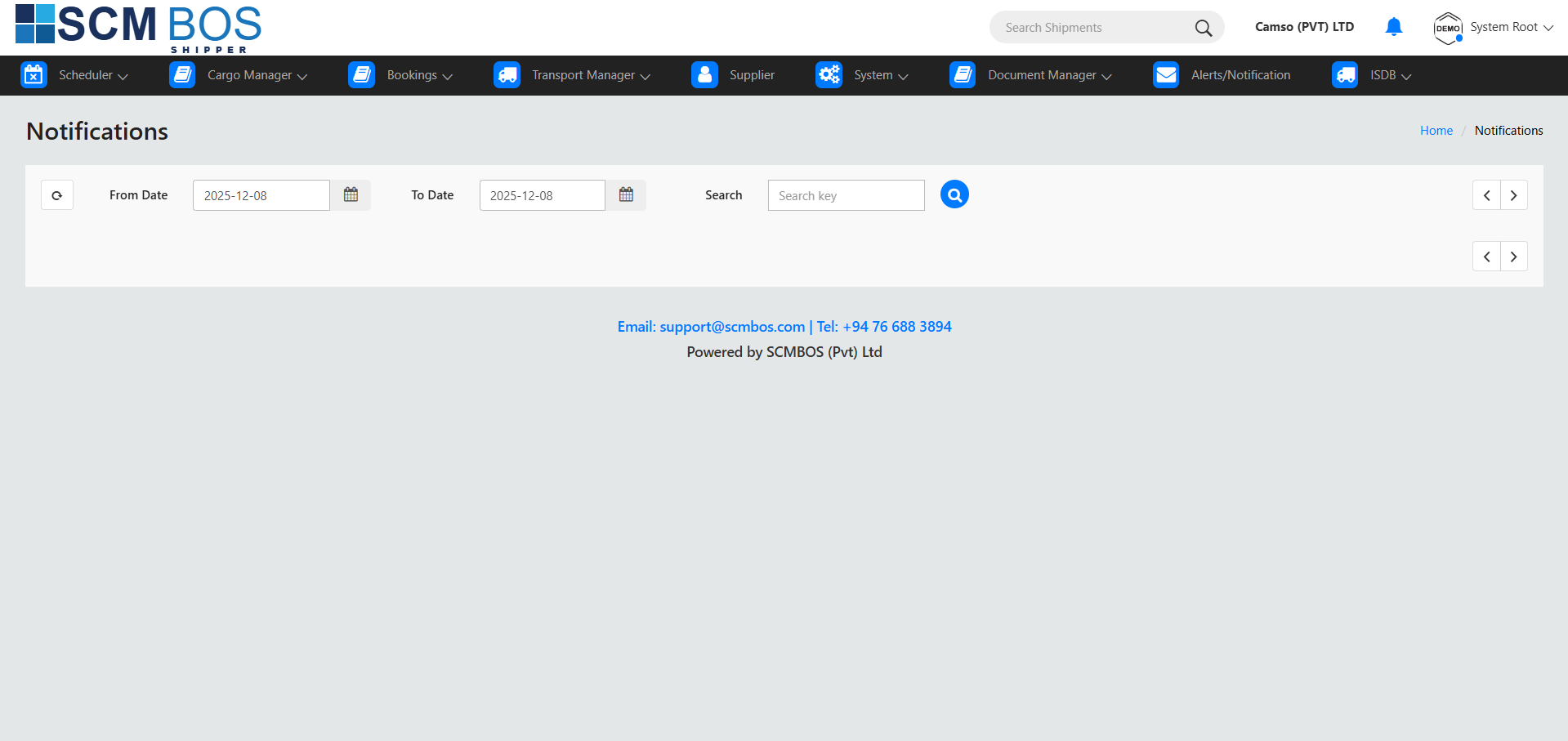
Alerts / Notification
Purpose
Provide real-time alerts for missing documents, approvals, expiry, and operational updates related to shipments.
Key Capabilities
- Notify users about missing mandatory documents.
- Send alerts for document expiry and compliance reminders.
- Trigger approval notifications for supervisors.
- Provide booking, vessel, and status update alerts.
- Deliver alerts via dashboard, email, or push notifications.
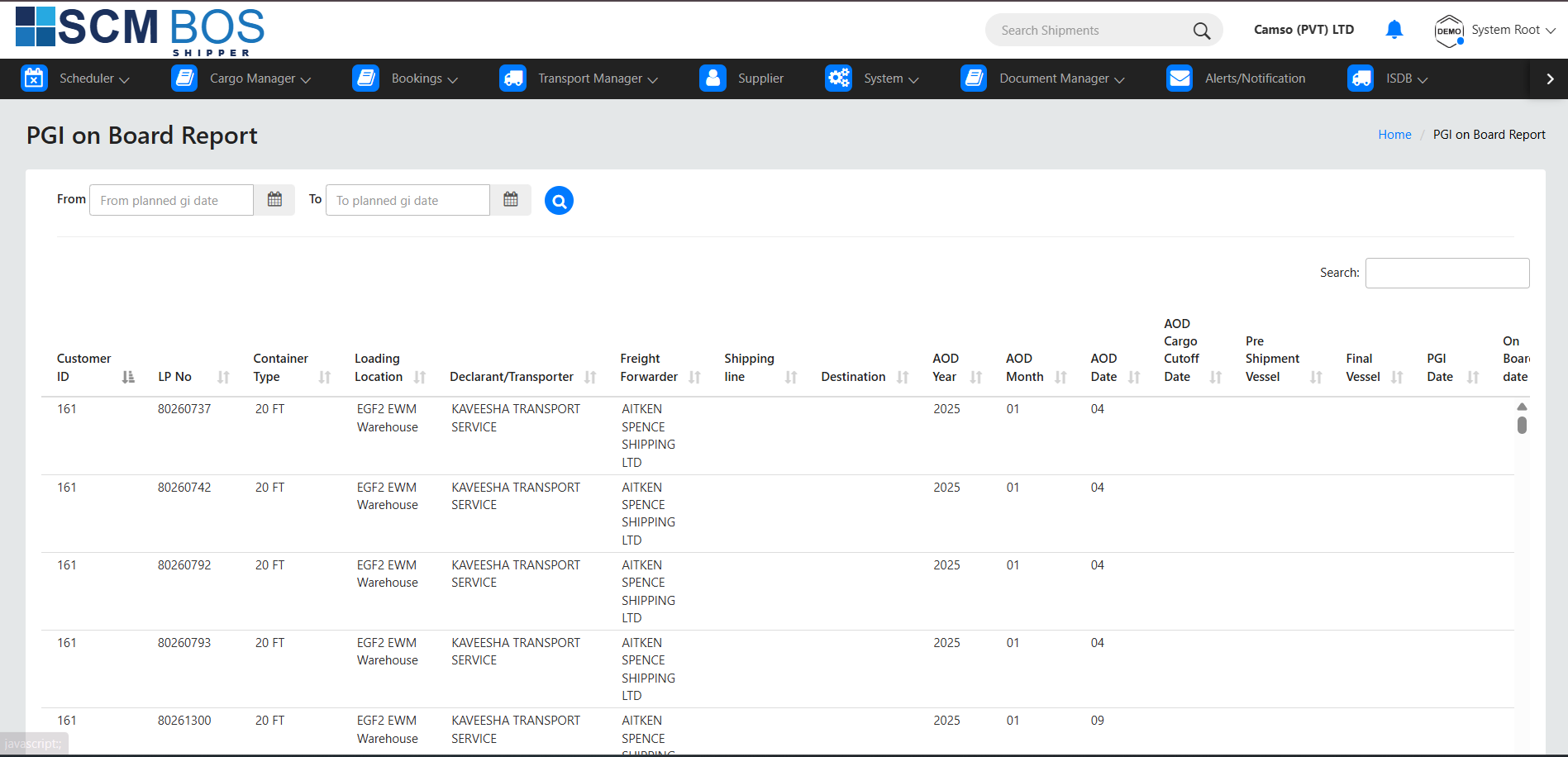
PGI on Board Report
Shows the Post Goods Issue (PGI) status for cargo that has been loaded on vessels or flights.
Purpose
Ensure financial and inventory transactions are aligned with physical loading confirmations.
Key Capabilities
- Display PGI-confirmed shipments.
- Highlight pending PGI items requiring action.
- Assist finance teams in reconciling inventory movements.
Lead Time Report (Ship to ID Wise)
Measures total shipment processing time for each Ship-to Party.
Purpose
Evaluate end-to-end export efficiency and SLA performance.
Key Capabilities
- Calculate various lead time segments (pickup to stuffing, dispatch to departure, etc.).
- Provide Ship-to ID–wise breakdowns and averages.
- Identify operational bottlenecks.

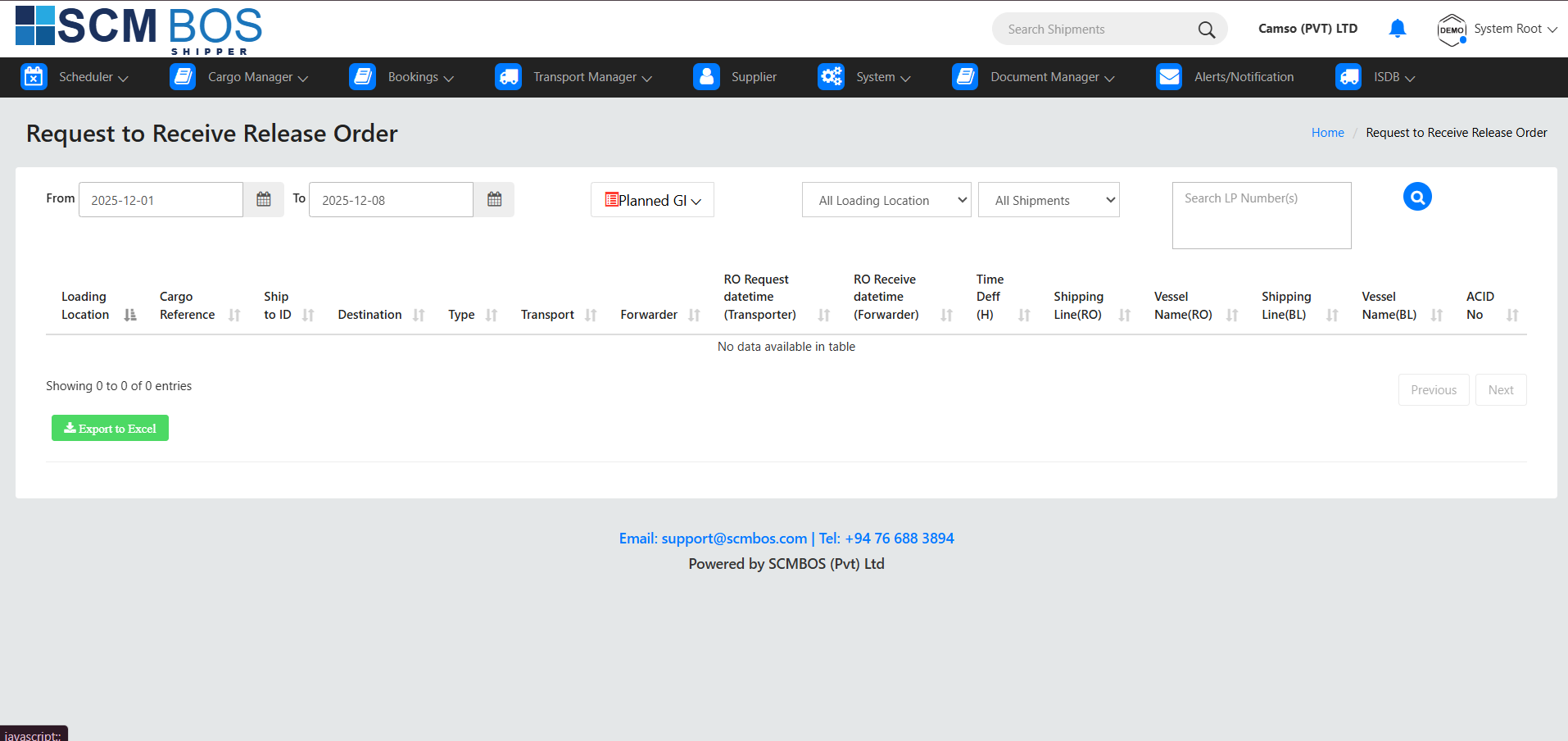
Request to Receive Release Order
Workflow module for requesting and approving Release Orders (RO) for export cargo.
Purpose
Ensure controlled and authorized release of export cargo from the warehouse or yard.
Key Capabilities
- Submit Release Order requests with shipment details.
- Validate cargo readiness and documentation.
- Approve, reject, or modify RO requests.
- Track real-time Release Order status.
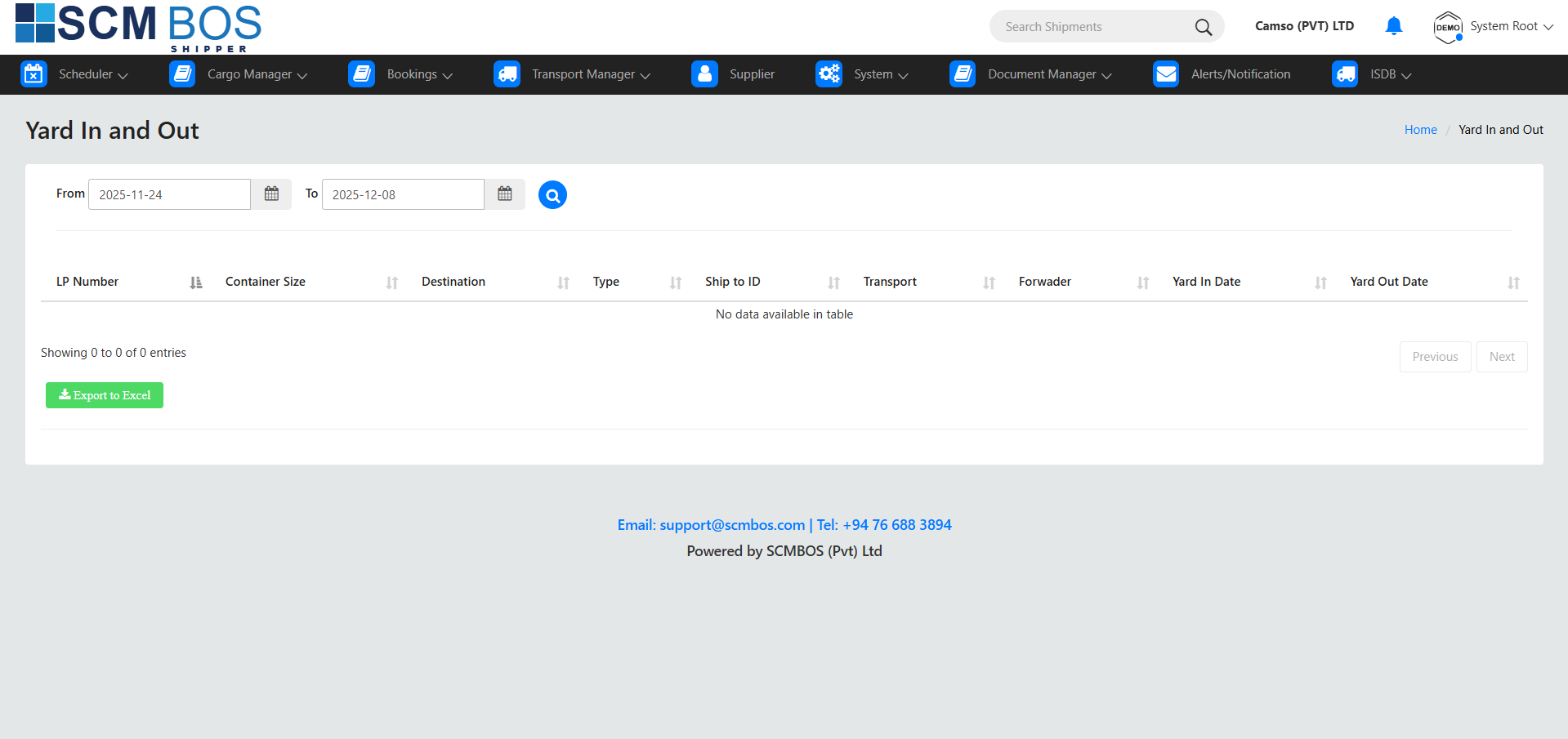
Yard In & Out
Tracks all vehicle and container movements entering and leaving the export yard.
Purpose
Provide security, traceability, and operational control of yard activities.
Key Capabilities
- Record vehicle arrival and departure times.
- Monitor container movements and loading/unloading status.
- Capture driver and vehicle information.
- Prevent unauthorized yard access.
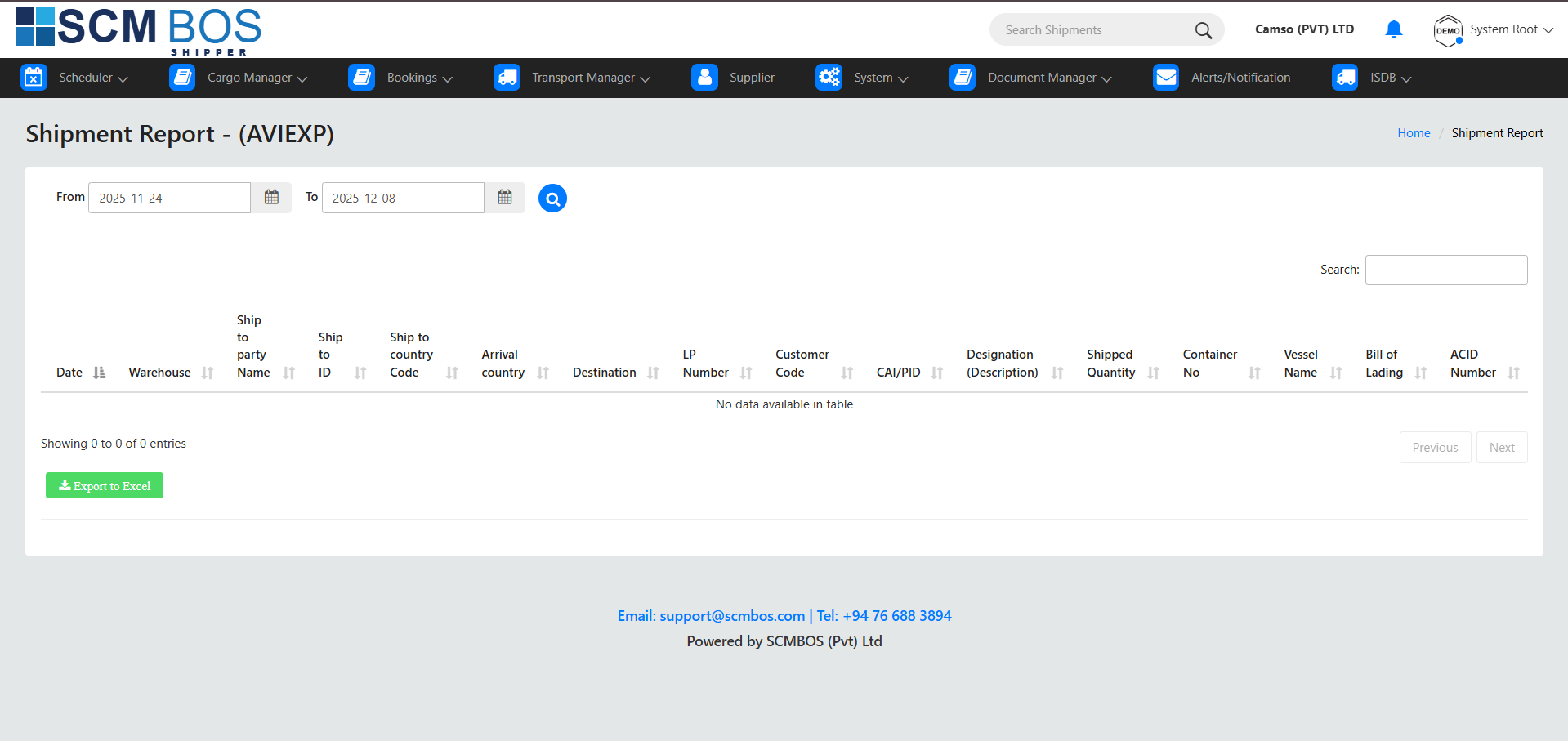
Shipment Report (AVIEXP)
Details all air export (AVIEXP) shipments including flight information and cargo details.
Purpose
Provide operational visibility of air export shipments.
Key Capabilities
- Display MAWB/HAWB details.
- Show flight schedules, destinations, and carrier details.
- Provide cargo weights, pieces, and timestamps.
- Assist with daily operational planning and reporting.
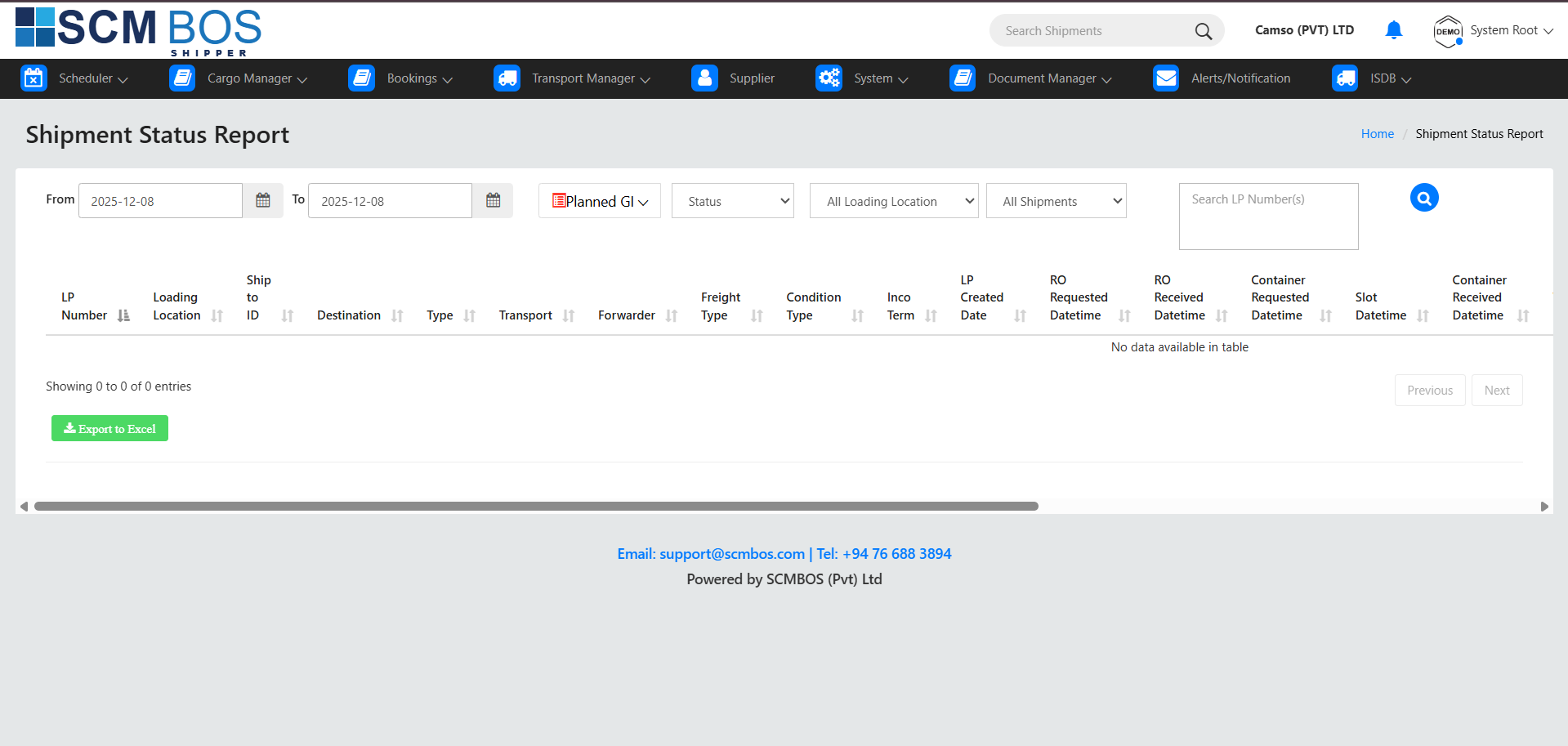
Shipment Status Report
Tracks shipment progress across all export workflow milestones.
Purpose
Provide real-time status visibility for export shipments.
Key Capabilities
- Monitor booking, stuffing, documentation, and dispatch phases.
- Track customs clearance and loading completion.
- Identify delays and pending actions.
- Support customer service and planning teams.
Fumigation Report
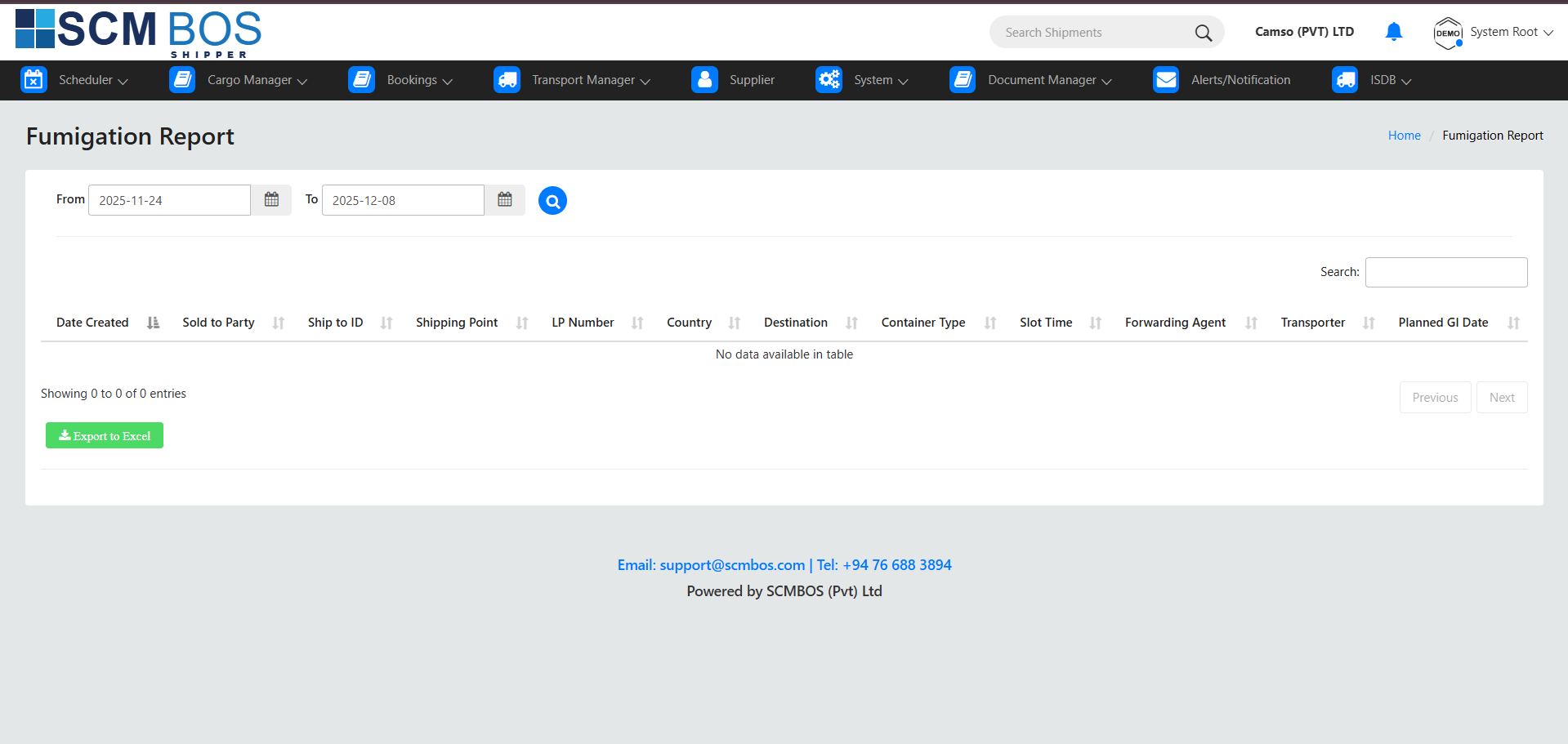
Documents fumigation activities for export cargo requiring compliance checks.
Purpose
Maintain records for regulatory and destination-specific fumigation requirements.
Key Capabilities
- Record container and commodity details.
- Capture fumigation agent, chemicals used, and safety notes.
- Store fumigation certificate references.
- Ensure compliance with agriculture and destination regulations.
Mobile Images
Displays images uploaded through the mobile app during export operations.
Purpose
Provide visual documentation for verification, audits, and claims.
Key Capabilities
- View cargo condition, seal checks, and stuffing photos.
- Access gate in/out images.
- Support damage reporting.
- Improve traceability and accountability.

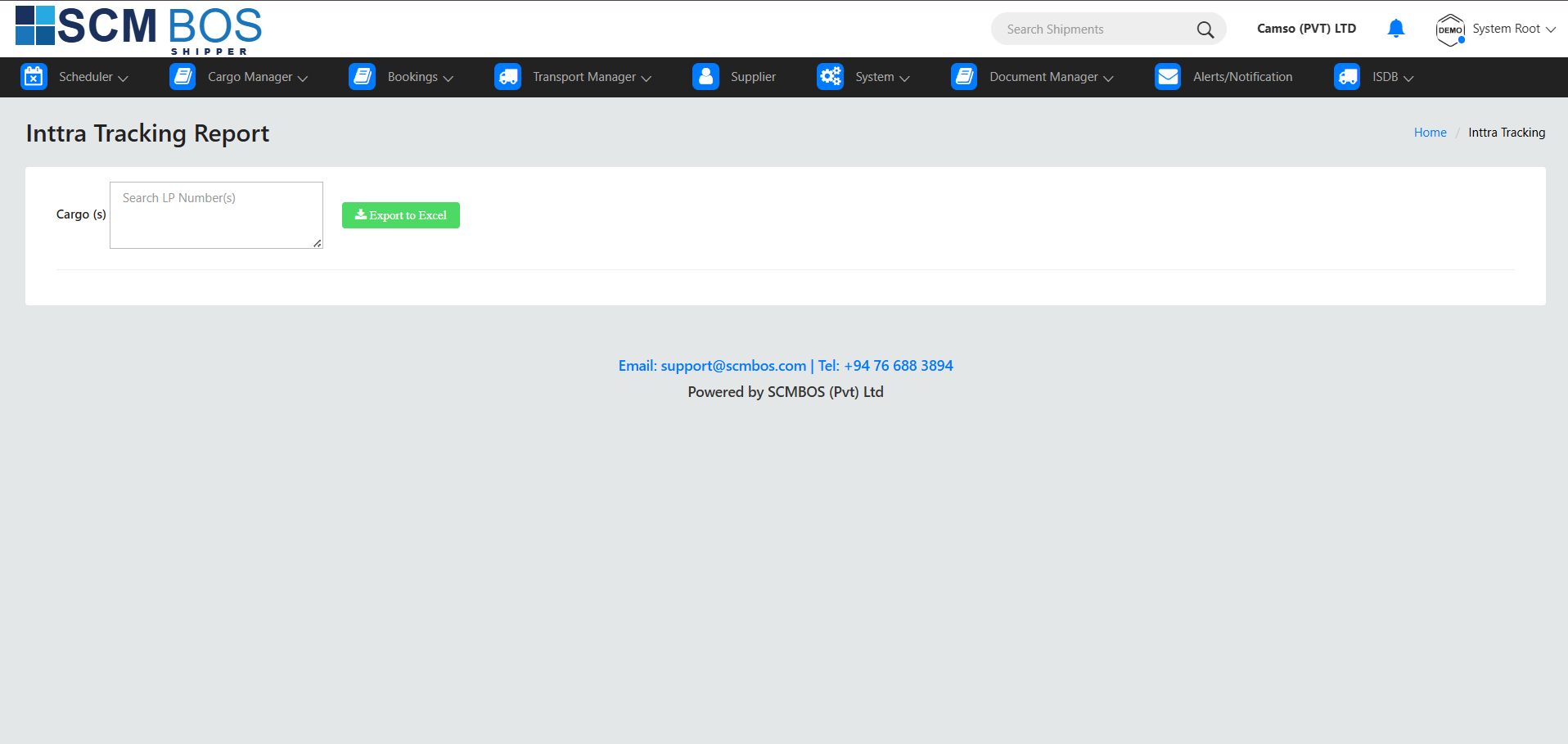
Inttra Tracking Report
Tracks ocean shipment movements using Inttra milestones or manual updates.
Purpose
Provide visibility of container journeys across shipping lines.
Key Capabilities
- Track booking confirmation and container pickup.
- Monitor vessel loading and departure.
- Follow transshipments and final arrival.
- Assist customer updates and carrier performance checks.